Check-in and ad-hoc bookings with QR codes
QR codes make using the Flexopus Workplace Management App even easier and more convenient. Simplify employee check-in and check-out, or enable ad-hoc booking of flexible resource types on site.
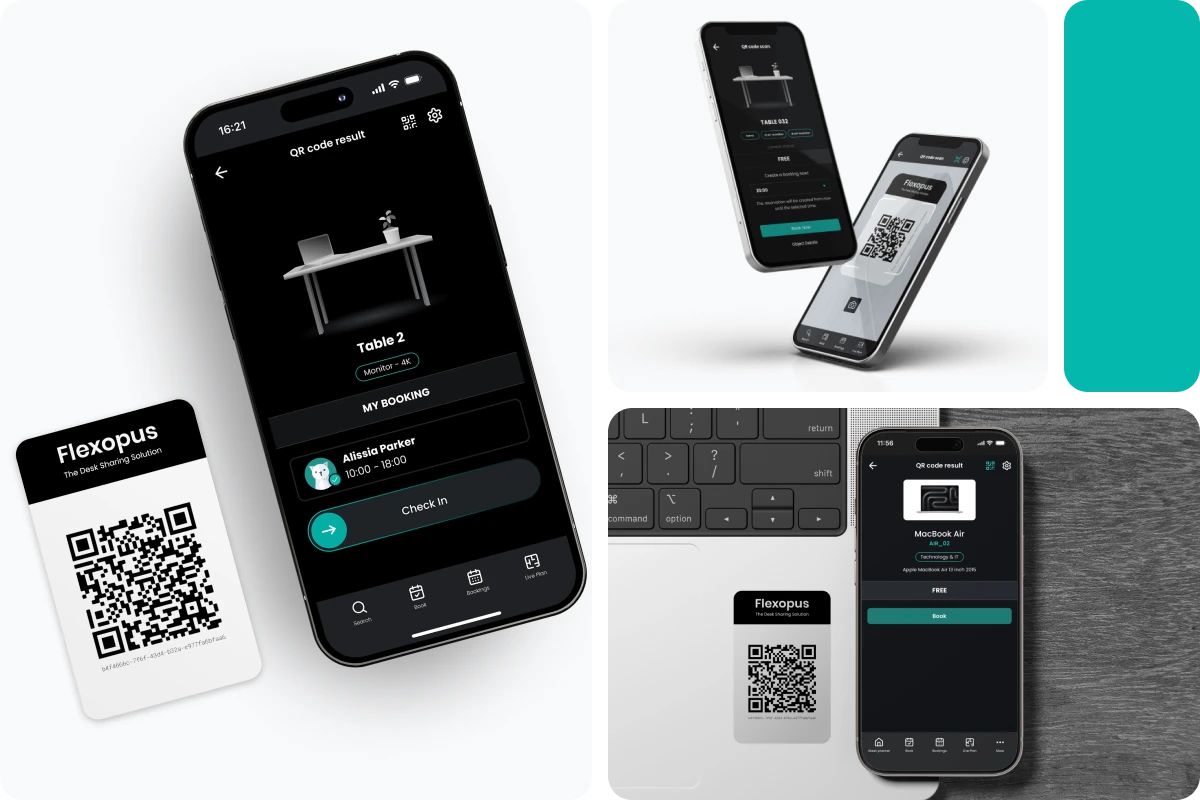

Quick booking in just a few steps
You forgot to book a workstation the day before, but are now standing in the office and wondering if the space is still available? Simply scan the QR code attached to the table. This way you can see at a glance whether the workplace is still free and can make an ad-hoc booking directly.

Check-in and check-out via QR code sticker
Flexopus QR code stickers can also be used for check-in and check-out at the respective resource. To verify your presence, simply scan the QR code with your smartphone and you are checked in. Repeated scanning allows you to check out.

Linking QR codes
As an administrator, you can easily link QR codes to the respective objects by scanning them with your smartphone. The connection will then be established in a few seconds. Each QR code has an individual link and can only be used for one object.
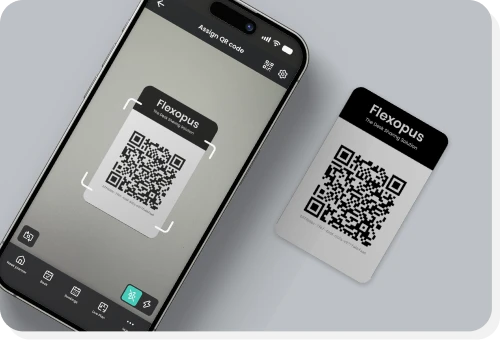
Integrated QR code scanner
QR codes can be scanned directly in the application using the integrated QR code scanner. Additionally, any QR code scanner can be used. You can find the integrated scanner in our Android and iOS application.
Book easily and simply!

High-quality and durable QR code stickers


Protection: Resistant to water & cleaning agents
Material: High-quality print on 140 g/m² vinyl film
Application: Easy to apply and remove
Link: One unique link per sticker
Design: Minimal and modern
How do I obtain the QR codes?

Book additional module

Receive QR codes

Adhesive & Configure
