Group management with Flexopus
With Flexopus Group Management, you can map department and group affiliations within your workforce. This enables a variety of functions such as access authorizations, booking limitations and much more.
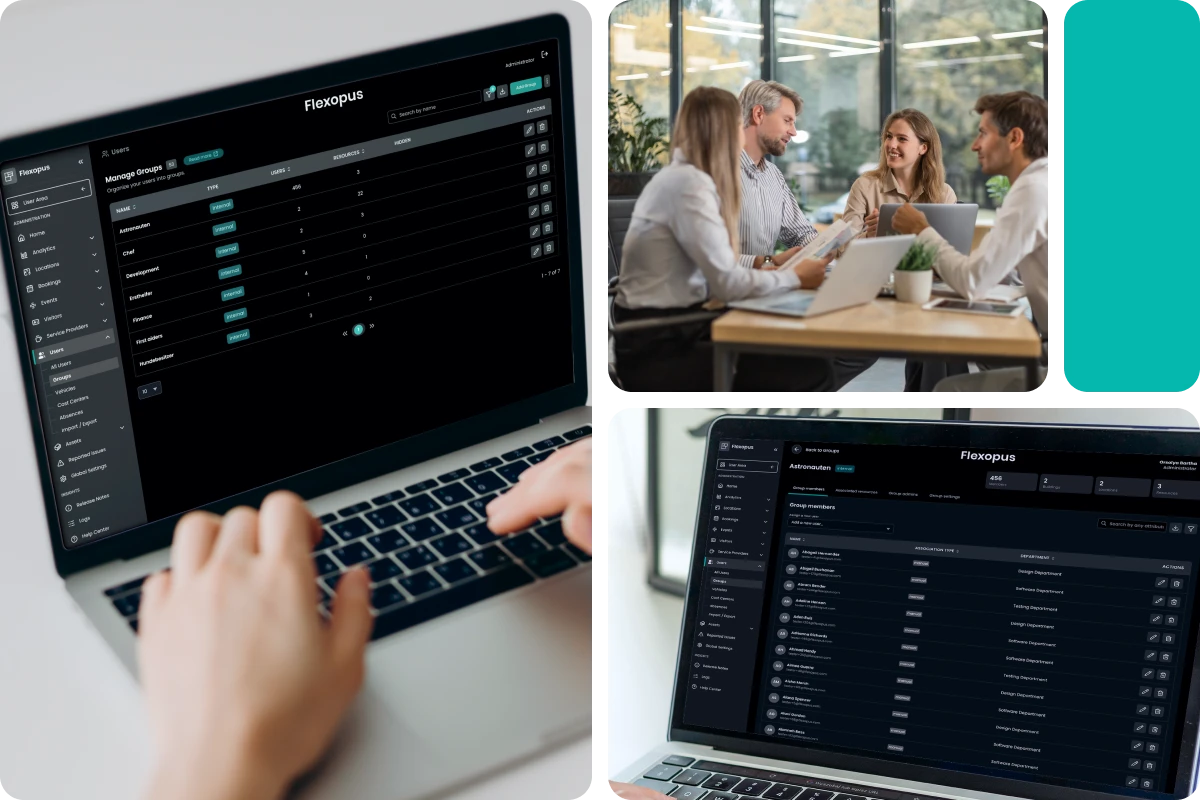

Assigning to user groups
Create user groups in Flexopus and link user profiles to groups as administrators or group managers. Groups can be used in the application for access control, booking rules, and visitor management.

Linking groups to offices
Use the group function to hide certain buildings and floors for specific groups and thus prevent incorrect bookings. For example, if your building has an entire floor dedicated to the HR department, which works with sensitive personal data, you can also make this floor available only to HR group members.

Linking groups with resources
Decide which groups (or departments) are allowed to book which workstations, parking spaces or meeting rooms. For example, if your office has special workstations for the graphics and design department with color-accurate monitors and graphics tablets, you can restrict these workstations to employees from the "Graphics" user group.

Flexopus Note!
You can also configure multiple user group assignments. A user can be a member of multiple groups at the same time. You can also link user groups to multiple resources and floors. Multiple group assignments per resource (workplace, parking space or meeting room) are also possible. As administrator, you decide who can book and where!
.svg)
Book a live demo!
Are you interested or do you have any questions?

Home zones with access management

How does group management work?
User groups allow you to granularly decide which employees are allowed to view and book resources in specific areas. Flexopus' intuitive management and integration options allow you to easily define and distribute access permissions as an administrator or group manager.
- Access permissions: Permissions can be determined at the office, floor and resource level through group assignment.
- Local groups in Flexopus: User groups can be created locally in the Flexopus application. Members of the group can be edited in Flexopus.
- Synchronize external groups: User groups can also be synchronized from an IDP (e.g.: Azure AD, Okta, ADFS) using SCIM or as a SAML2 attribute. Members of external groups are stored in Flexopus as “read only”.

Manage groups externally with SCIM
Easily synchronize user groups from your identity provider platform (e.g. Azure Active Directory) with Flexopus and save yourself the hassle of manually grouping and managing users. All you need is the Flexopus add-on module for SSO and SCIM.

Manage groups with CSV & XLSX
User profiles can also be imported and exported as CSV and XLSC files. Attributes such as user groups, department affiliation, function, description and name can be easily managed in tabular form if you do not want to use or connect to an Identity Manager Platform (such as Azure Active Directory).

Group managers are appointed
Users with the role of “group manager”, such as team leaders or their assistants, can perform administrative tasks in group management and add or remove employees from groups. On the other hand, you have the option of making bookings for other employees and groups.

.svg)
Manage rights and roles
Flexopus offers comprehensive rights and role management. Depending on the role, rights vary from simply booking resources to accessing the backend, to administrative tasks such as managing people, locations, or the global configuration of the software.
