.webp)

.webp)


.svg)

%201.svg)
%201.svg)
%201.svg)
%201.svg)
%201.svg)
%201.svg)


.svg)










5 good reasons for desk sharing
Desk sharing: Flexibility in everyday working life! Individual workplace choice, sharing, enthusiasm, well-being, organization, positive work culture - discover the advantages.
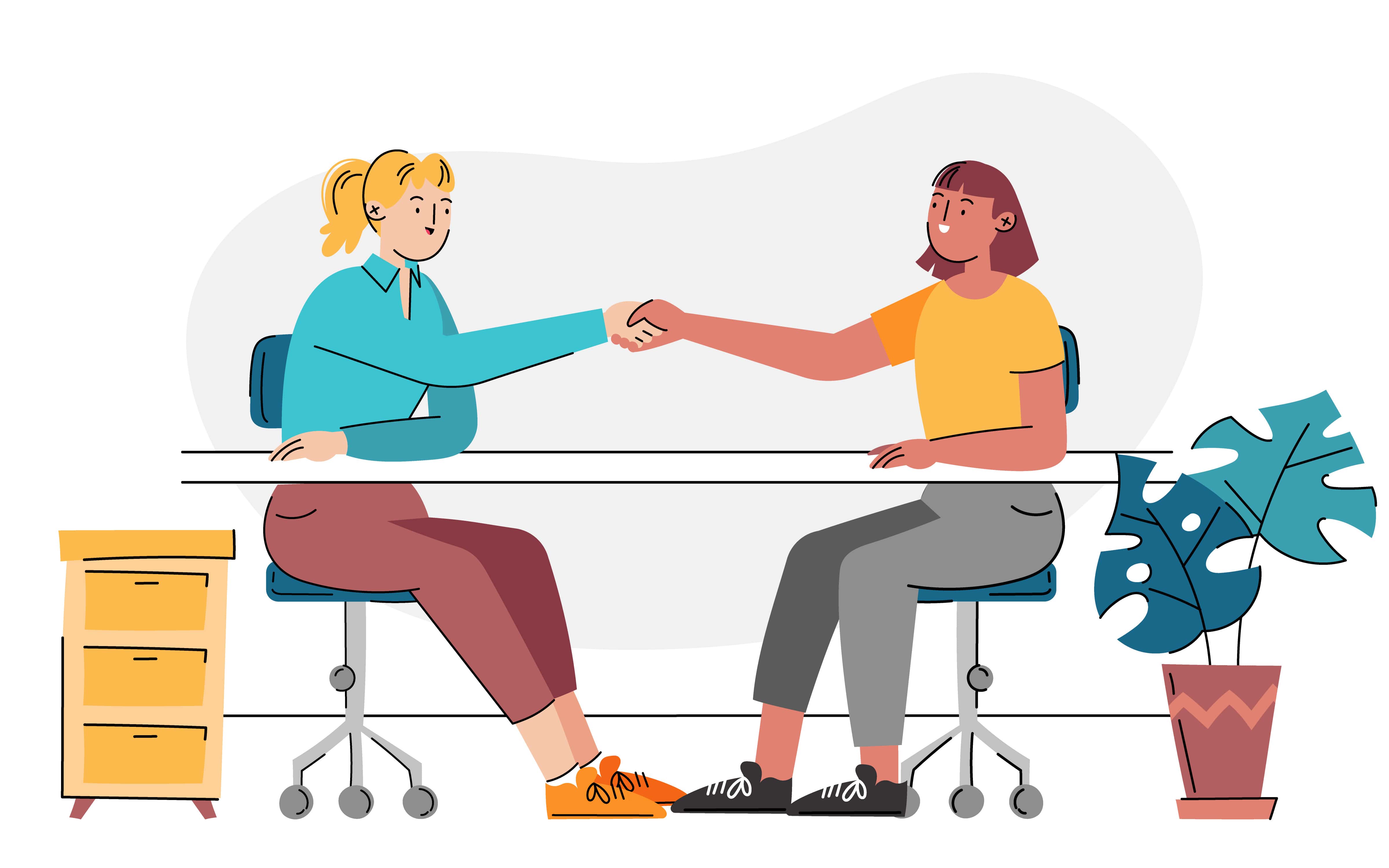
Flexopus' desk sharing software makes booking a workspace easier than ever! Employees can book their desk via the user-friendly app – flexibly, regardless of location and in real time.

Bereits in über 4.000 Büros im Einsatz!











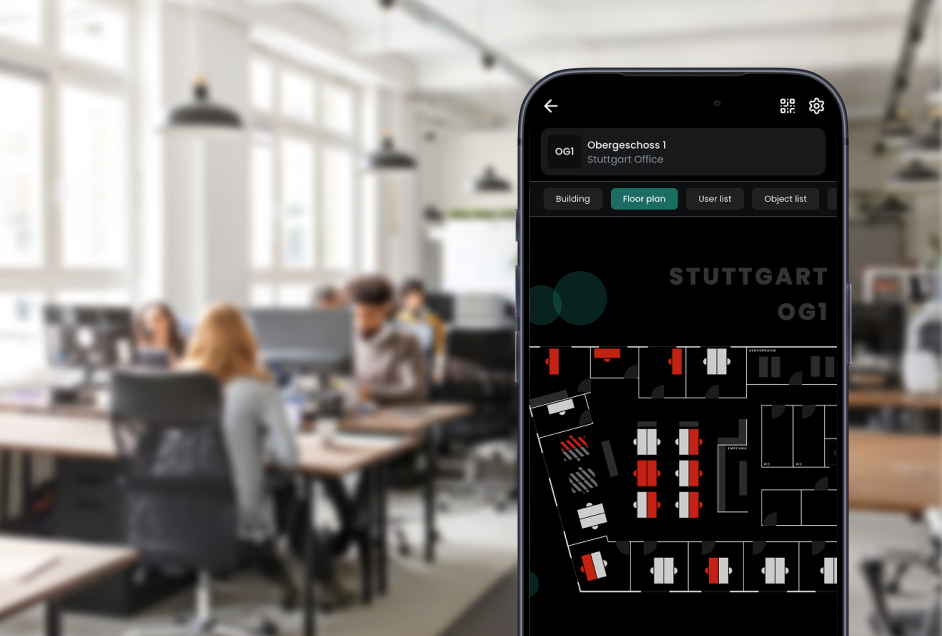
The professionally and modernly prepared building floor plans in Flexopus ensure a visually simplified booking process. This way, employees are guaranteed to find the right job at first glance. With the integrated Flexopus Floorplanner, administrators can create and edit floor plans directly in the application.
With Flexopus you can manage both flexibly bookable workspaces and permanently assigned workspaces. In addition, employees can also make a booking for mobile working or working from home. With Flexopus, you can individually implement the hybrid work concept that suits your company. We'd be happy to advise you!
Not all workplaces should always be bookable for every employee. Control employee permissions using user groups in Flexopus and create exclusive home zones for your teams or departments. You can assign permissions per building, floor, or even just for individual workstations.
With the Flexopus Live plan, colleagues' workplace reservations can be viewed at a glance - either directly on the interactive floor plan or in a calendar view with various filter options. This allows employees to plan their perfect work week and arrive at the office when their (favorite) colleagues are also there.
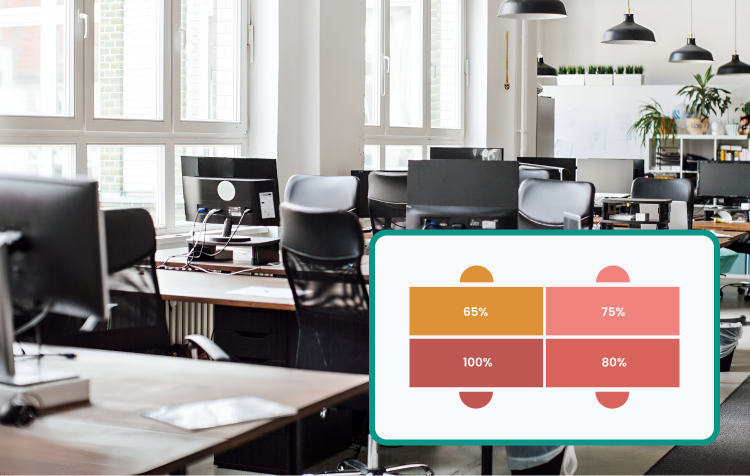
On which days is the office busy or quiet? What are the most popular jobs? Flexopus statistics allow you to measure and analyze office utilization. The occupancy rate can be calculated per building, per floor, or per workplace. With this data, you can perfectly optimize your office space and save money.
Book a live demo!
Are you interested or do you have any questions?
Desk sharing software – also known as a workplace booking system – enables the flexible reservation and management of desks in hybrid office environments. It replaces fixed seating arrangements with free choice of seats via software and helps companies to use their space efficiently and according to their needs.

Make unused vacant space visible and adapt your office space to actual needs. This way you can noticeably save on rent and utility costs without sacrificing space.
Use your space more intelligently: Transform unused desks into attractive focus zones or meeting rooms – based on what your team really needs in their daily work.

Bring some movement into your daily office routine. The free choice of seating creates new impulses and spontaneous exchange across departments, thereby strengthening team spirit and creativity.

For secure data storage, Flexopus is hosted in Germany on dedicated servers of Hetzner Online GmbH.

Flexopus is certified by TÜV Rheinland according to ISO 27001:2022 and therefore offers certified information security for your company.

Whether you manage a small office or multiple locations – Flexopus can be individually scaled.

We bill transparently based on resources rather than the number of users - especially practical for companies with many employees.

Thanks to our intuitive structure, Flexopus is ready to use in no time, so you can start being productive right away.

With the integrated editor, you can easily customize your floor plans yourself and move or add resources with just a few clicks.

Our software is designed to be equally easy and fully accessible to all employees.

Use Flexopus on the desktop directly in the browser as a progressive web app or on the go via iOS and Android app.

Decide which workstations can be booked, define special features, or temporarily block tables.

Workstations can also be permanently assigned to a person, unless all employees participate in the flexible desk sharing model.

Anyone who wants to work from home or mobile can enter this information in Flexopus so that colleagues know who is working remotely and when.
Book a live demo!
Are you interested or do you have any questions?

Flexopus, a hot desk application that has won the German Design Award, enables the easy and quick booking of flexible workspaces. Users of the app book their resources in just three steps: 1. Select period 2. Select location or floor 3. Select and book a workspace. Optionally, you can also filter by features and favorites.
A hot desking app is usually worthwhile for companies with around 20 or more employees, especially if hybrid working models exist. In larger teams and with changing attendance, desk sharing leads to better utilization of office space and reduces unused workstations and thus office costs. From this company size onwards, a hot desking app like Flexopus makes sense to facilitate flexibility and organization.
A desk sharing software enables companies to use office space efficiently and support hybrid working models. Employees can flexibly book desks, which saves costs and promotes collaboration. It also helps to avoid bottlenecks, create transparency about available places and take individual workplace preferences into account.
Yes, you can test the Flexopus desk sharing software free of charge and without obligation for 30 days. During the trial period, you will have access to all the important functions to get to know the software in your work environment and to see how it optimizes your office management. Simply contact our sales team to receive the link.

.webp)