Hybrid working
2023-12-05

Measures to ensure IT security in the home office
Work securely from anywhere! The article highlights the critical security aspects of working from home — from VPN connections to multi-factor authentication to protecting sensitive data from prying eyes. Learn how companies and employees work together to create a secure digital work environment without sacrificing flexibility and productivity.

Table of contents
The world of work has changed dramatically, and working from home has become a central element of the modern professional landscape. While the benefits are undeniable, they also bring a critical issue: IT security and confidentiality. This article explores the importance of ensuring robust IT security and maintaining confidentiality in a home office environment.
IT Security in the Home Office

IT Security in the Home Office is not just a matter of convenience, but of vital importance. It protects sensitive company data from cyber threats and ensures uninterrupted business operations. The significance of home office IT security extends far beyond the individual employee. A security breach in a home office can have far-reaching consequences for the company itself. Such breaches can damage the company's reputation, lead to legal complications, and shake customer trust. In today's interconnected world, a security breach can quickly tarnish a company's image and put customer data at risk.
Challenges and Solutions for IT Security in the Home Office
Common cyber threats in the home office include malware, phishing attacks, and unauthorized access. Employees can also inadvertently put company data at risk. To effectively combat these threats, it is important to identify and implement countermeasures. Securing the home work environment requires addressing issues such as insecure home networks, shared family devices, and distractions. A multifaceted approach is required to create a robust security framework:
Physical Security Measures
To ensure physical security, employees should use secure cabinets or safes for storing physical documents and devices. Furthermore, sensitive data stored on personal devices should be encrypted. To mitigate risks when working in public spaces, privacy screens can be used to prevent unauthorized viewing of sensitive data. It is also crucial not to disclose confidential information in public places.
Network Security and Connection Protection
Setting up a VPN helps encrypt data transmitted over public networks and provides an additional layer of security. Employees should be well-versed in the secure use of VPNs. Regular updates to home routers and the activation of robust encryption protocols are essential. Strong, unique passwords for Wi-Fi networks are a must. Additionally, employees should be discouraged from using public Wi-Fi for work. Instead, offer alternatives such as mobile hotspots or secure remote access solutions.

Confidentiality and Data Protection
It is important that confidentiality requirements for remote employees are communicated clearly and explicitly. Employers should also establish sanctions for breaches of confidentiality. Encourage a "need-to-know" approach to limit access to sensitive data. Regular audits and monitoring of data access help maintain control. Developing comprehensive data protection policies and providing ongoing training and awareness programs for employees are of critical importance.
Remote Work Agreements
Formal remote work agreements between employers and employees are essential. These agreements should define the scope of remote work, expectations, and security responsibilities. They should include clauses on IT security, data handling, and the procedure for reporting security incidents. Clearly define the consequences for non-compliance with security policies. Specify who is responsible for providing security tools and training, as well as incident response procedures and reporting channels.
Implementation and Training
Regularly updating security policies and tools to adapt to evolving threats is essential. Encourage your employees to report security incidents immediately. Conduct regular security awareness training and foster a culture of security consciousness among home office employees.
IT Security with Flexopus
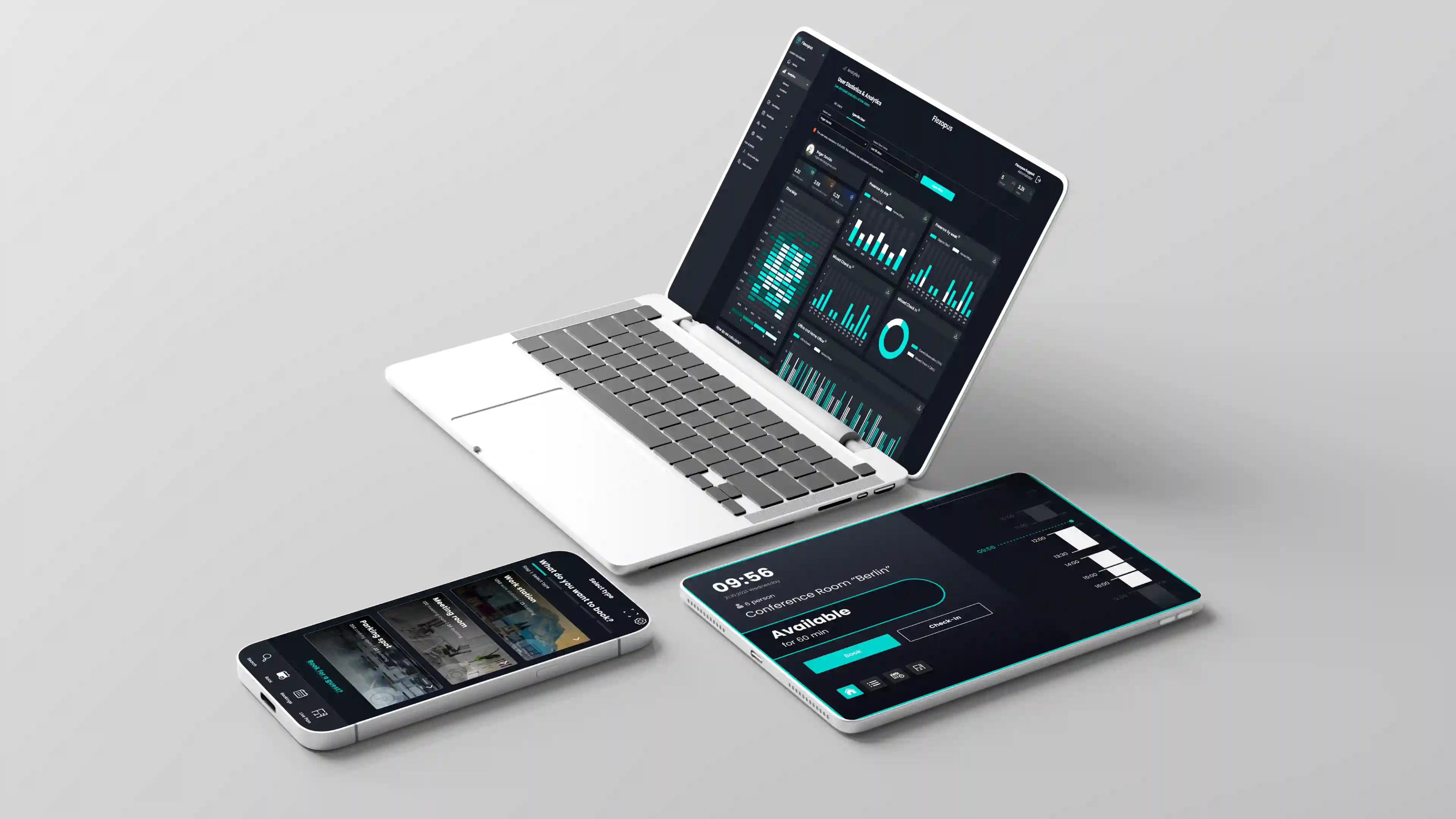
Especially in the area of desk sharing and the demands of the modern working world, IT security measures are enormously important and are becoming increasingly so. For this reason, tools like Flexopus enable companies and organizations to ensure IT security at the highest level by implementing rigorous security standards.
Flexopus has not only been committed to data protection since day one, but is also GDPR-compliant and ISO 27001-certified. All data centers are located in Germany, and data stored in the system by users and admins never leaves the country. Through regular stress and penetration tests designed to verify the software provider's security precautions, Flexopus enables worry-free and secure work.
Conclusion
In summary, working from home has become an integral part of the modern professional landscape, bringing with it an urgent need for robust IT security and confidentiality measures. Securing company data, protecting the corporate image, and maintaining customer trust are top priorities. By addressing these challenges and implementing the solutions described in this article, companies can ensure IT security in the home office and create a productive remote working environment for their employees.
The most important questions summarized
What are the biggest security risks when working from home and how can they be minimized?

The biggest risks when working from home are unsecured WiFi networks, phishing attacks and the use of private hardware for professional purposes. To minimize these threats, companies should require the use of virtual private network (VPN) connections that encrypt data traffic. In addition, the introduction of multi-factor authentication (MFA) is essential to prevent unauthorized access to company accounts. Regular updates of all software systems and raising employee awareness of suspicious emails form the basis for safe work.
Why is the strict separation of private and professional hardware so important for IT security?
Privately used devices often do not have the same security standards as company laptops. Viruses or malware that reach a computer via private downloads or insecure websites could otherwise be easily transferred to the company network. In addition, IT departments have no access to private devices to control security updates or remotely delete data in the event of loss. The strict use of company equipment ensures that all security guidelines are met and that company data remains in a protected ecosystem.
How can companies effectively sensitize their employees to the issue of cybersecurity?
Technology alone is not enough; the “human factor” is decisive. Companies should offer regular training and hands-on workshops that show how phishing emails or social engineering attempts can be identified. Clear guidelines for handling passwords and sensitive documents in the home environment (e.g. locking the screen when leaving a seat) are important. An open error culture also helps: Employees should dare to report incidents immediately without fear of consequences so that the IT department can react quickly.
Last updated:
2026-09-15
.svg)


.webp)
.webp)