Hybrid working
2024-10-02
.webp)
Microsoft Office 365 and Flexopus - hybrid working made easy with Outlook and Teams
Teamwork made easy! In this post, you'll learn how the seamless integration of Flexopus with Microsoft Office 365 revolutionizes your everyday office life. We'll show you how single sign-on, automatic calendar synchronization, and Outlook integration make desk sharing easy. Optimize your workflows and use the full power of your familiar MS environment!

Table of contents
Many people will be familiar with the scenario: You use a new software or a new app and gradually get to know it better and better. As you become familiar with the app's features, you'll often come up with things that could improve its functionality or make its usability more personalized.
Once you reach this point, there are only a few options that an ordinary user can take to reach their desired destination. You can either wait for updates from the manufacturer, give feedback to the developers and hope that the app providers implement this, or you can integrate external programs into the software, if the functionality is included.
As you can see, only the last case places the responsibility for the desired use of the app in the hands of the users and their admins. Find out now how the desk sharing app Flexopus together with Office 365 via Microsoft integration makes the ideal situation very easy.
Microsoft integrations with Flexopus
Flexopus offers a range of widely used and extremely useful integrations that significantly simplify working with the hot desking software. This primarily includes booking workstations with Microsoft Office 365. While it's possible to use a desk booking system in Office 365 through a workaround, this solution is quite technical and not very practical for ordinary users.
However, things are different if you let Flexopus handle your desk booking. Whether via the Microsoft Teams app, which integrates seamlessly with the widely used Microsoft tool, or calendar synchronization with Outlook - Flexopus and Office 365 work hand in hand and are also extremely easy to integrate and use. The Microsoft Active Directory can also be linked for easy administration and maintenance of users.
Should you, contrary to expectations, encounter any problems when setting up the integration of the Desk Booking System in Office 365, Flexopus offers quick assistance through its excellent technical support at support@flexopus.com and thus ensures that all feasible requests can be implemented easily and quickly.
Microsoft Teams integration
.png)
Microsoft Teams is the most widely used software for collaborative work in hybrid teams in Germany. Accordingly, it makes sense to use the power of the tool and make the Flexopus desk booking system possible in Microsoft Teams.
By the way, Flexopus can be downloaded from the official Microsoft Store and is therefore an officially recognized app by Office 365, which integrates seamlessly into the Teams environment and thus makes the hot desk booking system in Office 365 child's play.
The advantage is clear: Users no longer have to leave their familiar Teams environment and can therefore conveniently book their workstations via Microsoft Teams.
Workstation booking Office 365
As already mentioned, Flexopus can act as a desk booking system in Office 365. There are several examples of how this practical solution makes everyday work with Microsoft programs easier.
Find out now what possibilities Flexopus offers you as an Office 365 desk booking system and which Office 365 solutions can be made possible together with Flexopus.
Outlook Add-in
.png)
Flexopus is available as an add-in in Outlook. This means that workstations, meeting rooms and parking spaces can also be booked via the Outlook application, making desk booking in Office 365 even easier.
Furthermore, site plans and objects can also be viewed directly via Outlook. This means that you don't have to leave the usual booking process via Outlook to reach your destination.
Microsoft Exchange Online integration
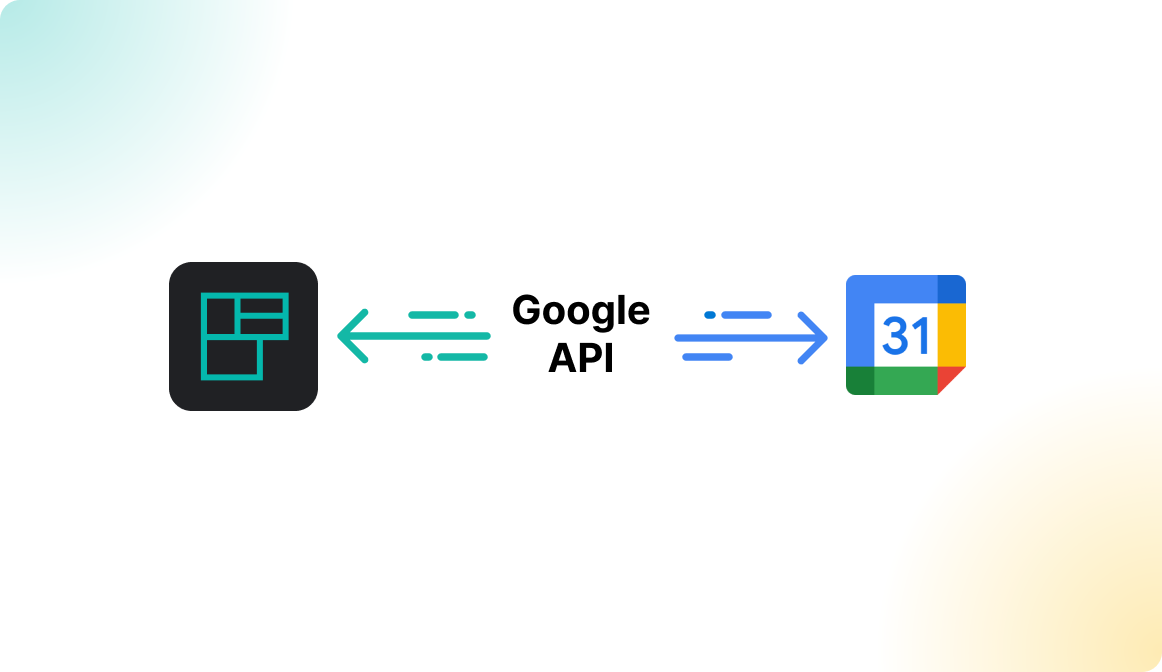
The Flexopus Microsoft Exchange Online Integration uses the Microsoft Graph API to automatically synchronize meeting room bookings between Flexopus and Microsoft Office 365. Users can book meeting rooms in Flexopus, which then appear in their Office 365 calendar. This integration is only available for the cloud version of Microsoft Exchange and adds features such as ad-hoc bookings and room management to Outlook, while the usual booking process remains unchanged. In addition, the Flexopus connection allows you to check in and out of rooms directly via Outlook.
Single sign-on with Microsoft
Multiple ways to log in to online services can quickly become confusing. Many different email addresses, passwords and portals and everything has to be managed and stored in order not to lose access.
To work around this problem, there is the option of Single-Sign-On (SSO). In this case, the combination of user name and password is not entered in the usual way, but an external identity provider has the data required for registration. Microsoft also offers a way to log into many different programs using just one service. Single sign-on can be conveniently used with our Office 365 OAuth 2.0 integration and access can be controlled with a targeted whitelist.
Microsoft Active Directory
The Flexopus integration with Microsoft AD FS via the SAML2 protocol enables a simple and secure Single Sign-On (SSO) solution. Administrators can set up Flexopus as a trusted partner in the AD FS admin console, allowing users to access Flexopus with the same credentials as in other corporate systems. This simplifies identity management and increases security. The integration also supports optional group synchronizations, allowing companies to centrally manage access rights and effectively organize user accounts.
Here is a brief summary of all protocols that can be used in Flexopus SSO:
Microsoft O-Auth 2.0
The Microsoft 365 OAuth SSO Integration from Flexopus enables users to log in to Flexopus securely and easily using their Microsoft 365 accounts. It uses the OAuth 2.0 protocol and simplifies access through Single Sign-On (SSO). Administrators can also set up a whitelist to restrict access to specific email domains, increasing security.
SAML2
The SAML2 SSO Integration from Flexopus enables secure authentication via the SAML2 protocol. Users can log in with their corporate credentials, centrally managing access rights and increasing security.
SCIM
The SCIM interface allows you to better automate user management between your Azure AD and Flexopus. This results in several advantages. These include the synchronization of user groups, transfer of user profiles before the first login, and automatic archiving and deletion of users who have left the company.
So what are the advantages of Microsoft Office 365 and Flexopus?
.png)
The integration of the desk sharing app Flexopus with Microsoft Office 365 enables users to effectively integrate the workplace booking software into the Microsoft applications they already use, such as Teams, Outlook, and Microsoft Exchange Online. This makes managing bookings for workstations, meeting rooms and parking spaces much easier by allowing users to work seamlessly within their familiar environment. The ability to centrally manage users and ensure secure access via Microsoft Active Directory and Single Sign-On (SSO) increases efficiency and enhances security. Flexopus offers booking synchronization through Microsoft Graph API and additional security features through OAuth 2.0 and SAML2. Companies benefit from flexible, easy-to-implement and secure solutions that make everyday work easier.
The most important Office 365 Desk Sharing integrations at a glance:
- Integration of Flexopus with Microsoft Office 365 (Teams, Outlook, Exchange)
- Single Sign-On (SSO) via Microsoft OAuth 2.0 and SAML2
- Central user management via Microsoft Active Directory
- Support for ad-hoc bookings and room management
- Flexopus is available in the Microsoft Store
In summary, the following can be stated:
- Flexopus enables seamless integration with Microsoft Office 365 applications.
- Users can book workstations and rooms directly via Teams and Outlook.
- Single Sign-On (SSO) with Microsoft increases security and simplifies access.
- Microsoft Active Directory allows central administration of users.
- Flexopus offers automatic synchronization of bookings through Microsoft Exchange.
- Flexopus Technical Support assists with integration and problems.
The most important questions summarized
What are the benefits of Microsoft 365 integration for daily workplace bookings?

The integration puts an end to double data maintenance and password chaos. Thanks to Single Sign-On (SSO), employees simply log in with their usual Microsoft account. Bookings are synchronized with the Outlook calendar in real time, so that the status “In Office” or “Booked Meeting Room” is immediately visible to all colleagues. This ensures maximum transparency in hybrid teams and reduces administrative effort to a minimum, as booking takes place where daily communication and scheduling also take place.
How secure is Flexopus to a company's Microsoft infrastructure?
Safety is a top priority. By using Microsoft Azure Active Directory (AD), authentication is carried out using Microsoft's high security standards. Flexopus only accesses the necessary permissions, which are controlled via the official Microsoft Graph API. Since Flexopus is also “hosted in Germany,” all processes remain GDPR-compliant. Companies retain full control of their user data and at the same time benefit from a state-of-the-art, certified cloud infrastructure without security gaps.
Can Flexopus also be used directly within Microsoft Teams or Outlook?
Yes, that's exactly the trick! Flexopus is designed to fit into the existing work environment. With the Outlook add-in or integration with MS Teams, employees can book desks and rooms without having to leave their main application. This increases user acceptance enormously, as there is no need to learn new tools. The intuitive operation within the familiar Microsoft interface ensures that the desk sharing concept is immediately accepted by the entire workforce and used efficiently.
Last updated:
2026-07-24
.svg)

.webp)
.webp)