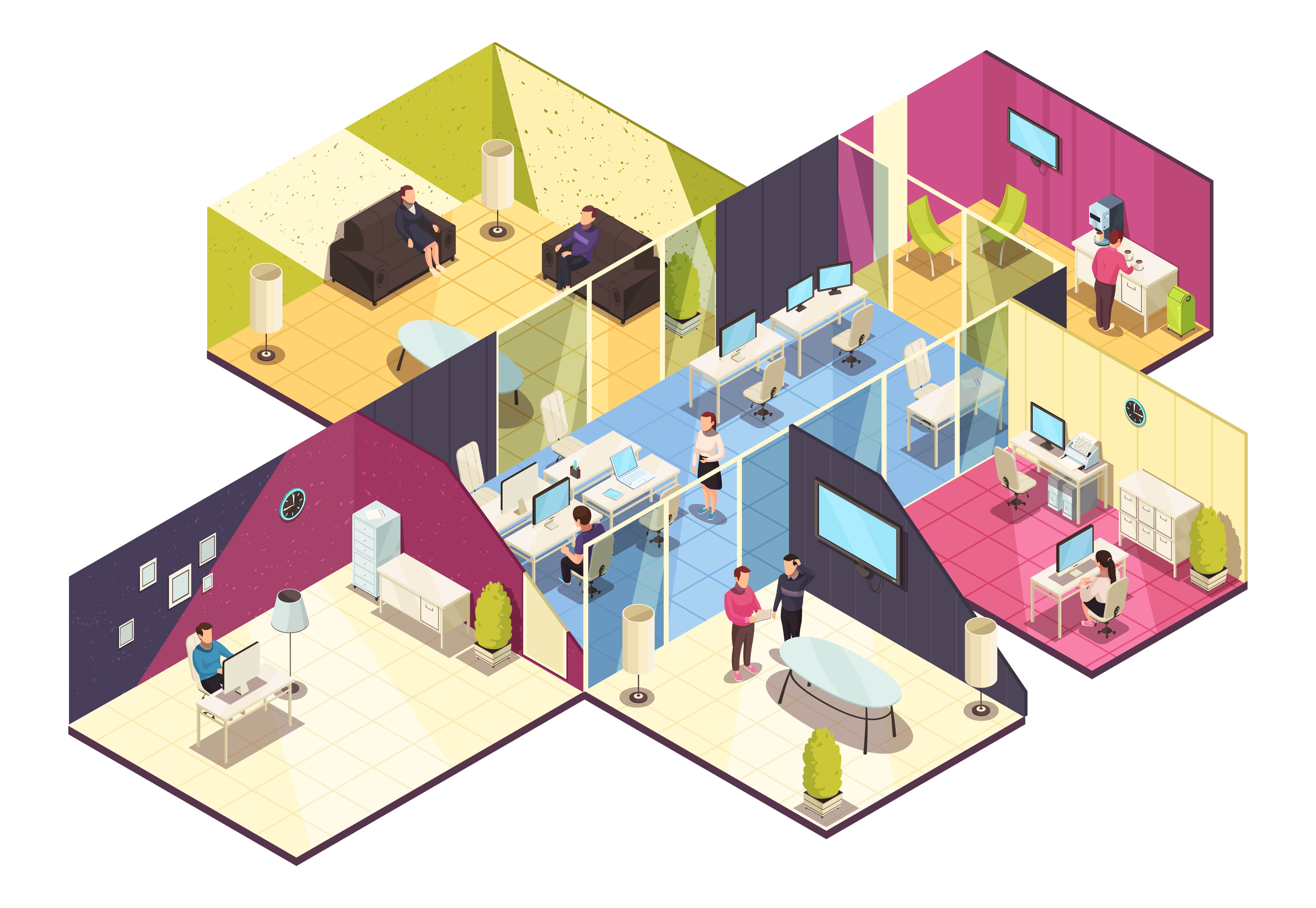
Office mapping: What does office mapping mean in a modern office?
Office mapping describes the digital, data-based illustration of office space in order to efficiently plan, use and visually represent workplaces, rooms and resources. It forms the basis for hybrid work models, desk sharing and modern workplace management by creating transparency, orientation and optimal use of space.
Table of contents
Office mapping is a central concept in the context of New Work, hybrid work models, and digital workplace management. It describes the structured, data-driven, and visual recording of physical office space, including all work areas, resources, and pathways, to optimize its use. This mapping forms the basis for smart booking systems, intuitive user navigation, and efficient utilization of available space.
In a work environment increasingly characterized by flexible attendance times, desk sharing, and hybrid work styles, office mapping is no longer just about displaying a floor plan. Instead, it focuses on the strategic planning and digital visualization of an office to improve workflows, optimize workstation utilization, distribute spaces and resources effectively, and provide employees with a clear orientation model in their daily work.
Definition: What is Office Mapping?
Office mapping refers to the process of modeling the physical structure of an office building in a digital, interactive, and understandable format. This digital plan not only depicts walls, doors, and workstations but also integrates spaces such as meeting rooms, common areas, focus zones, amenities, and special resources like printers, coffee machines, and technical equipment. Office mapping thus creates a visual and data-driven office map that helps companies manage their professional spaces more efficiently and create areas where work can be done efficiently and comfortably.
The goal of office mapping is not merely to map space, but to optimize the entire work environment: from the utilization of individual workstations to the location of home zones to providing orientation for employees and visitors upon entering the office. Through this comprehensive visualization, office mapping becomes an elementary component of modern workplace strategies.
Why is Office Mapping Indispensable in Modern Companies?
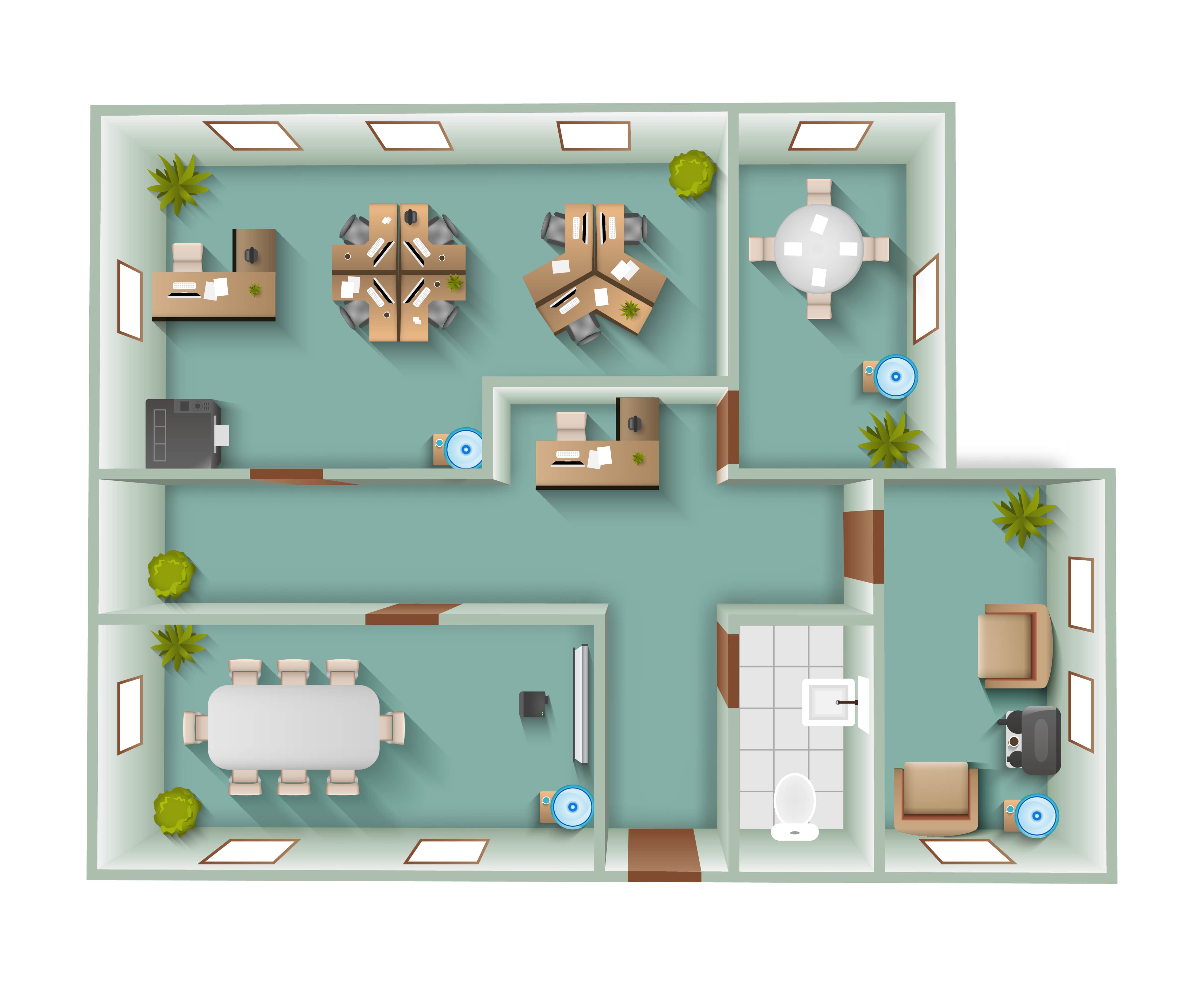
The world of work has changed significantly in recent years and continues to evolve. Flexible work models, remote work, home office phases, and dynamic attendance schedules require a completely new understanding of space organization. Traditional static plans are no longer sufficient, as they reveal little about actual usage, pathways, interactions, or bottlenecks. This is where office mapping comes in.
A clear, digital office plan helps to better understand office spaces: It shows where home zones are particularly heavily frequented, where quiet zones make sense, how traffic flows, and which areas are under- or overutilized. Based on this, informed decisions can be made regarding resource reallocation, and a sustainable space strategy can be developed that increases both efficiency and employee satisfaction.
Increased Efficiency Through Better Space Utilization
A common problem in modern office environments is unused space. Despite high rental costs, many areas often remain empty while others are overcrowded. Office mapping creates transparency regarding actual usage. Companies can identify where workstations are more effective, where quiet areas for focused work are needed, or which zones should be more heavily frequented. These insights not only support organizational planning but also directly impact productivity and cost efficiency.
Supporting Hybrid Work Models
In the hybrid work model employees regularly switch between office and remote work. In such scenarios, office mapping becomes a central tool for better coordinating attendance times, workstation needs, and traffic flows within the office. A digitally visualized office helps employees to specifically book and utilize workstations or rooms – without lengthy searches or double bookings. Through this orientation, office mapping improves team coordination and minimizes friction in daily work.
Safety and Orientation in Space
Another advantage of office mapping is the structured representation of paths, access points, and security zones. Especially in larger buildings or complex office spaces, employees and visitors can navigate safely with the help of a digital floor plan. Good office mapping solutions include dynamic navigation aids that show routes to specific areas, thereby reducing confusion for new employees or guests.
How does office mapping work?
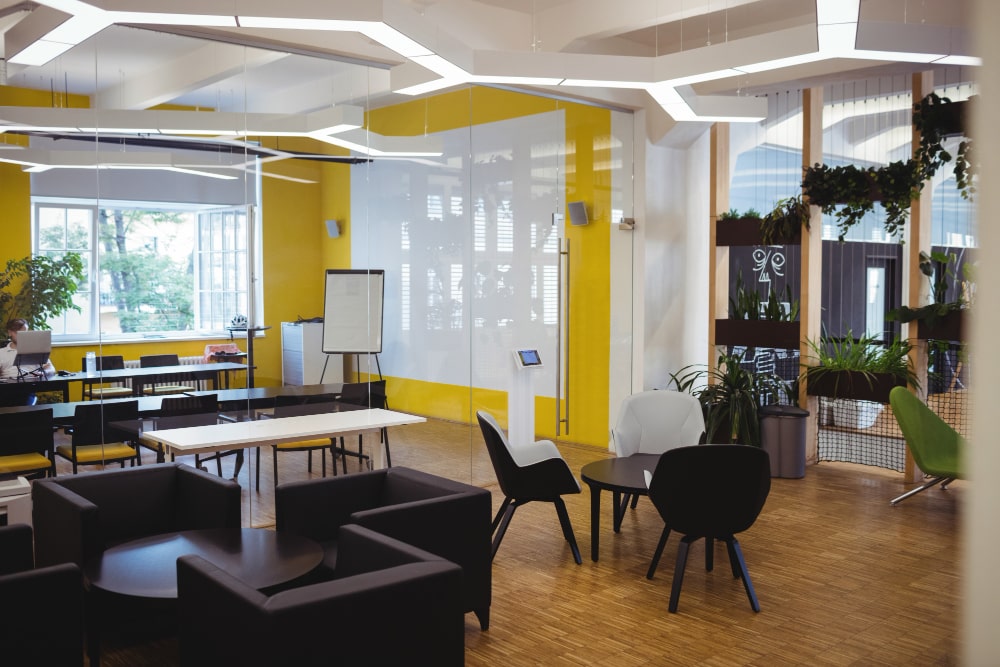
Office mapping is based on the collection of spatial data and its digital representation in interactive maps. These are often integrated into dynamic workplace management systems. Such systems combine data from multiple sources, including blueprints, sensor technology, attendance data, and user preferences, and process them in a central interface. The tools used for this are intuitive, visually clear, and allow for use even without technical expertise.
A digital office plan includes all relevant elements of the physical office building, including workstations, meeting rooms, common areas, technical zones, and infrastructure points like printers or lounges. These elements can be configured, marked, categorized, and also linked to each other. A good office mapping solution provides an overview of the equipment in workstations, meeting rooms, and potentially even parking spaces, the representation of special resources like phone booths, scanners, printers, and coffee machines, and, when occupied, also shows the departments and employees who have booked a desk.
Office Mapping vs. Traditional Floor Plans
While traditional floor plans are usually static and show how an office was built, office mapping involves dynamic, interactive, and usage-based plans. Static plans merely show the spatial structure, whereas office mapping adds information about usage, frequency, paths, and equipment.
A traditional floor plan is therefore a "snapshot" – it merely reflects a structure. Office mapping, however, is a continuous process that goes beyond mere representation and reflects the actual use of the office. This dynamism allows for more flexible control of work processes, better planning, and a genuine basis for data-driven decisions. Furthermore, this allows for analytics to optimize, reduce, or reconfigure spaces, because an active office thrives on its team and collaboration.
Office Mapping in the New Work Context
In the context of New Work, office mapping plays a central role: it is a tool that helps companies react flexibly to changing work models. Flexible workstations, Desk Sharing, collaborative zones, focus areas, hybrid work spaces, or activity zones: all these modern workplace forms only truly become usable and dynamic through an intelligent visual structure.
At the same time, office mapping helps to improve the company culture positively: employees feel more comfortable, better understand the spatial relationships, and find their place in the office independently and to their liking. Visitors are easily guided by digital building plans. This increase in transparency not only strengthens efficiency but also the sense of belonging to the organization and can also be perceived as positive Employer Branding .
Office Mapping in Workplace Management Software
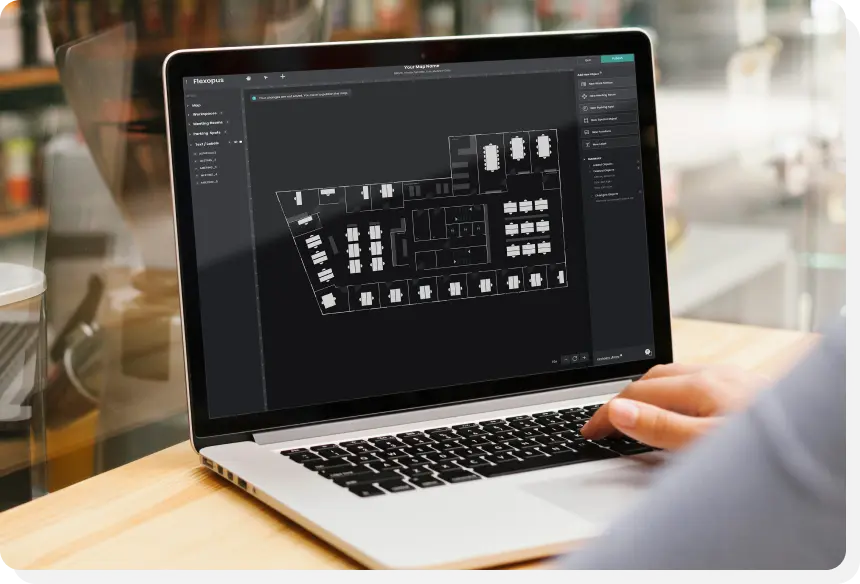
Office mapping is an integral part of modern workplace management systems like Flexopus. Flexopus uses office mapping to manage workstations, resources, rooms, and services such as catering, Asset Management or Visitor Management to fully digitize. The map becomes the central interface through which employees and administrators can book their workspace, see where their team members are sitting, or check the occupancy of meeting rooms and parking spaces at a glance. Additionally, they can also see what features the various resources are equipped with.
A digital office mapping approach also enables the integration of other tools such as the Live Plan, presence displays, or QR code-based bookings. Employees can directly select workspaces via the interactive floor plan, reserve rooms, or request services, without having to switch between different systems.
Practical Application: How to implement office mapping effectively?
Effective office mapping begins with a detailed collection of all spatial data, either through manual mapping or automated data sources. This data is digitally represented, categorized, and enriched with metadata (e.g., capacity, equipment, special areas). Afterward, the plan should be regularly maintained and updated to reflect changes in office structure or usage.
In daily operations, office mapping helps identify weaknesses: Which areas are rarely used? Where are there bottlenecks or even overbooked resources? Where are quiet zones missing? Based on this information, strategic decisions can be made, for example, regarding the redistribution of workspaces or the creation of new zones for collaborative work.
Another success factor is employee involvement: The more teams understand and utilize the benefits of office mapping, the higher the acceptance. Transparent communication, intuitive user interfaces, and clear navigation paths are crucial in ensuring that office mapping doesn't just remain a technical map, but becomes a vibrant component of workplace management .
Conclusion: Office Mapping as a Strategic Advantage
Office mapping is far more than a digital representation of the office. It is a strategic tool that helps companies understand, optimize, and align their work environment with user needs. In times of hybrid work models, increasing complexity of office structures, and growing demands for efficiency and employee satisfaction, office mapping is a crucial success factor for future-proof workplace strategies. By combining visual orientation, data analysis, and smart user guidance, office mapping makes offices smarter, more user-friendly, and economically sustainable – thus forming a central building block of modern Work 4.0 .
The most important questions summarized
What is office mapping and what advantage does it offer in a hybrid office?

Office mapping is the digital, graphical representation of office space. In hybrid working life, it ensures maximum transparency: Employees can immediately see on an interactive floor plan which workstations, meeting rooms or telephone boxes are vacant, occupied or reserved. It reduces search times, makes it easier for new team members or guests to find their way around, and improves the overall employee experience as resources are booked intuitively and visually.
How does Office Mapping support targeted collaboration in teams?
A major advantage is the “Find-a-Colleague” function. Since no one has a fixed desk anymore with flexible workplace models, Office Mapping makes it possible to quickly find teammates on the digital map. This promotes spontaneous collaboration and social exchange. This makes it easier for teams to organize themselves into clusters, which strengthens the momentum and ensures that the sense of community in the physical office is maintained despite desk sharing.
How do workplace managers benefit from digital office floor plans?
By combining mapping and booking data, workplace managers get a powerful analysis tool. Visually presented, you can see which zones in the office are particularly popular and which areas remain unused. This data enables targeted optimization of the layout — for example, the conversion of empty rows of desks into required meeting areas. Office mapping is therefore the data-based basis for efficiently managing office space and reducing costs.
Last updated:
2026-06-11