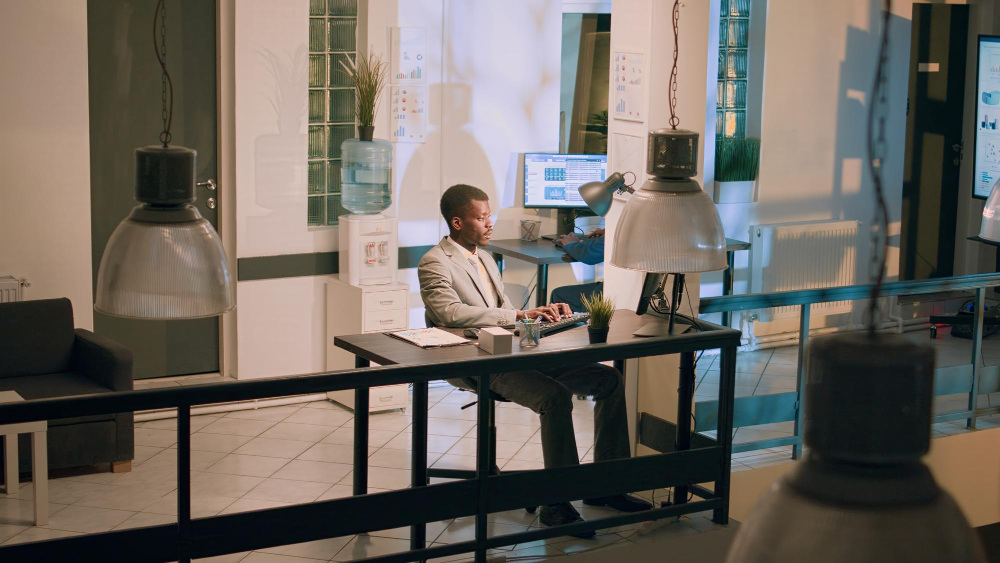
Workplace sharing: models, rules and tools for practice
More and more companies are faced with the question of how office space can be used sensibly when employees work in a hybrid way. Workplace sharing offers a flexible solution for this — provided that the concept, tools and rules are clearly intertwined.
Table of contents
Workplace sharing has long been more than just a trend from the new work bubble. More and more companies are using flexible office concepts to Using space more optimally, to promote collaboration, and hybrid working models to make it practicable. However, for workplace sharing to work in everyday life, clear models, suitable tools and well-communicated rules are needed, otherwise flexibility can quickly turn into chaos.
What is workplace sharing?
Workplace sharing is a workplace concept in which employees do not have a permanent fixed desk, but use workplaces in a demand-oriented manner. Anyone who comes to the office books the right place: for example, a focus workplace, a space with special equipment (e.g. with a double monitor) or a seat close to certain colleagues.
It's important to understand that workplace sharing doesn't mean “sitting down somewhere every day.” It is a structured approach that takes space use, attendance and working methods into account. For companies to benefit from this, it must be clear:
- How many workstations are available?
- Who can book or use when?
- Which areas are intended for what (focus, calls, project work)?
- How is transparency created (occupancy, attendance, rules)?
In practice, workplace sharing is often closely linked to Desk sharing, hybrid work, and efficient office space planning.
What models of workplace sharing are there?
Workplace sharing can be implemented in various models. Which model is right for the company depends on team structure, attendance times and activities.
1. Desk sharing (flexible workplaces)
The classic model: There are more employees than desks because everyone is never in the office at the same time. Workstations are freely selected or booked in advance. The aim is better space utilization and flexible cooperation.
2. Hot desking (up-to-date, spontaneous use)
Hot Desking is the most “spontaneous” form: seats are often used without advance booking — according to the “first come, first served” principle. This can work, but requires particularly clear rules (e.g. Clean Desk) and often an occupancy overview to avoid frustration.
3. Shared desks in teams (zones or team spaces)
Here, teams share a defined number of jobs in their own area, including “Home Zone” called. This creates orientation and reduces the feeling of “constantly moving.” At the same time, flexibility remains — particularly useful for departments with fixed collaboration needs.
%20(1).jpg)
4th Activity-Based Worzking (work activity-based model)
The focus is not on “your own space”, but on the appropriate environment for the task: focus zone, collaboration area, telephone box, project rooms, creative spaces. Workplace sharing is part of a holistic room concept here.
5. Hybrid models (mix of fixed and flexible places)
Many companies start with a mixed model: Some roles require fixed positions (e.g. video cutter), others work in the sharing workplace. It is crucial that the model is transparent and fair, as otherwise “A and B places” can quickly be created.
Tools for successful workplace sharing
Workplace sharing depends on organization in everyday life. The more flexible the concept, the more important are digital tools that represent booking, transparency and rules.
1. Desk sharing software
A central solution for booking workplaces helps to manage occupancy, avoid bottlenecks and create planning security. Typical features include:
- Select and book a workplace (by location, floor, equipment)
- Favourites (colleagues and seats) and easy booking
- Rules and quotas (e.g. teams, locations, time windows)
- Overview of occupancy and availability through a live plan
2. Attendance and team overview
Especially in hybrid working, it is important to know: Who is in the office when? One Attendance indicator facilitates coordination, reduces unnecessary trips and supports team days.
3. Integrations into everyday working life
For employees to really use tools, they should integrate seamlessly into existing processes (e.g. calendar, SSO, Microsoft 365 or Google Workspace etc). In this way, workplace sharing does not become an additional “extra app”, but part of the workflow.
4. Room and resource booking as a supplement
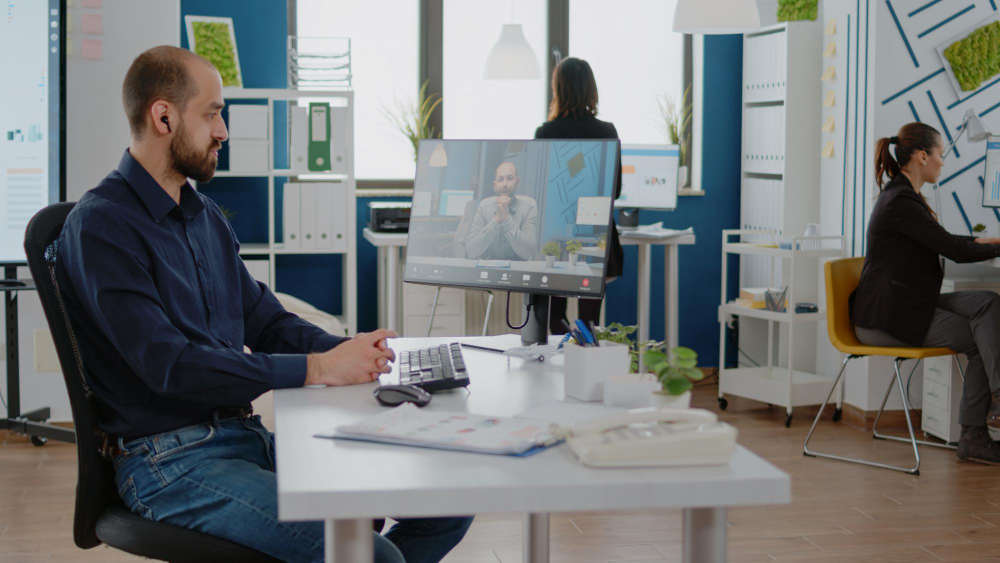
Workplace sharing works best when, in addition to desks, meeting rooms, telephone boxes, parking spaces or other resources, can be booked in a structured manner. This creates consistent workplace management.
5. Data and evaluation for space optimization
One major potential of workplace sharing lies in the question: How is space really used? Office workload analyses and evaluations help develop space concepts realistically, without gut feeling.
Workplace sharing rules
Rules are not “nice to have” when it comes to workplace sharing, but a prerequisite for fairness, hygiene and smooth processes. Good rules are concise, understandable and consistently communicated. Common ingredients:
- Clean Desk Policy: Leave the workplace clean after use, no permanent “reservation” with objects.
- Booking rules: How far in advance can I book? Are there limits per week/day?
- Check-in/no-show rules: What happens if someone books but doesn't show up?
- Zone rules: Focus areas are quiet, telephony only in designated areas, team zones for exchange.
- Features & standards: Monitor, docking, ergonomics — the clearer the base, the less friction in everyday life
- Fairness & Prioritization: Who has priority when places are scarce (e.g. specific roles, project phases, location teams)?
- Communication: Where are the rules, how are changes announced, who do you contact in case of problems?
Practically speaking, however, the clear recommendation: Better a few rules that work than a set of rules that no one reads.
Workplace sharing conclusion
Workplace sharing is an effective concept for combining hybrid work, space efficiency and modern collaboration. It is crucial that companies not only “make desks flexible”, but also create a coherent interplay of model, tools and rules. Anyone who clearly structures workplace sharing makes the office a place that employees like to come to because it can be planned, works and fits in with work.
Die wichtigsten Fragen zusammengefasst
What are the economic benefits of workplace sharing for companies?

The biggest advantage is massive cost savings through space optimization. Since in modern working environments 100% of the workforce is rarely in the office at the same time due to home office, desk sharing reduces the need for expensive rental space and additional costs. Companies can downsize their real estate strategy based on data or convert spaces into attractive collaboration spaces.
How does workplace sharing change team dynamics and culture?
It breaks up rigid departmental structures and promotes silo-breaking. Since employees sit next to different colleagues every day, there is a better interdisciplinary exchange. It also strengthens a culture of trust and personal responsibility, as the focus moves from mere presence at a fixed location to results-oriented work in an optimal location.
What is the most important requirement for effective desk sharing?
In addition to a clear clean desk policy, intuitive booking software such as Flexopus is crucial. It prevents frustration when looking for a place by showing availability in real time and making reservations possible. Acceptance within the team can only be ensured through transparency and ease of use. In addition, such tools provide valuable data to plan utilization as needed.
Last updated:
2026-03-17