Hybrid working
2023-12-12

Hybrid Work Models: 7 Models Compared
Not all hybrid models are created equal: from "office-first" and the 3:2 model to fixed in-office days, flexible hybrid, and "remote-first," there are countless ways to combine office and mobile work. This article compares the most important hybrid work models and shows which one best suits different companies, teams, and ways of working.

Table of contents
Not all hybrid work is the same. Between five days in the office and fully remote work, there are numerous ways to combine in-office and remote work.
But which hybrid work model is right for your company? We compare the most important models—from Office First and the 3:2 model to Flexible Hybrid and Remote First.
What is a hybrid work model?
A hybrid work model combines office-based work with remote work, such as working from home. Employees spend part of their working hours at the company site and the rest outside the office.
The exact split varies from company to company. Some employers mandate fixed office days, while others simply define a minimum attendance requirement or leave the decision entirely up to their employees.
Hybrid work is now firmly established in the German workplace. According to a representative ZEW survey from 2025, 80% of companies in the information economy and around half of companies in the manufacturing sector allow at least some of their employees at least one remote work day per week.
Hybrid work models compared
Hybrid work means flexibility in both location and hours. There is no single solution, but rather various approaches to implementing hybrid work:
1. Office First
In the Office First model , the office remains the primary place of work. Employees spend the majority of their work week on-site and only work remotely on individual days or in exceptional cases.
A typical arrangement, for example, would be four days in the office and one day working from home per week.
Benefits:
- high predictability
- regular face-to-face interaction
- easy organization of meetings and teamwork
Drawbacks:
- relatively low flexibility
- limited potential for office space savings
- less attractive for employees with long commutes
Office First is particularly suitable for companies where personal collaboration, physical processes, or on-site appointments make up a large part of the daily workload.
2. The 3:2 model
The 3:2 model is one of the most well-known hybrid work models. Employees spend, for example, three days in the office and two days working from home. The reverse version, with two office days and three remote days, is also possible.
The model creates a clear framework without completely sacrificing the flexibility of mobile work.
Benefits:
- good balance between office presence and working from home
- easy-to-communicate rules
- regular face-to-face interaction
- easily combined with desk sharing
Drawbacks:
- limited individual flexibility
- potential capacity peaks on popular office days
- less suitable for highly diverse job profiles
When it comes to desk sharing, you shouldn't just look at average office attendance. What really matters is when employees are in the office at the same time.
3. Fixed office days
In this model, the company or the respective team defines specific days as mandatory office days.
For example, all employees work from the office on Tuesdays and Wednesdays and can decide for themselves where to work on the remaining days.
The advantage: team meetings, workshops, or collaborative sessions can be specifically scheduled for these days.
Pros:
- very high predictability
- teams meet in person on a regular basis
- facilitates collaborative meetings and workshops
Cons:
- high occupancy on specific days of the week
- lower flexibility
- desk sharing potential can be limited by attendance peaks
Especially with fixed office days, a digital desk booking system makes sense. Employees can check in advance whether enough workstations are available and where their team members are sitting.
4. Flexible Hybrid
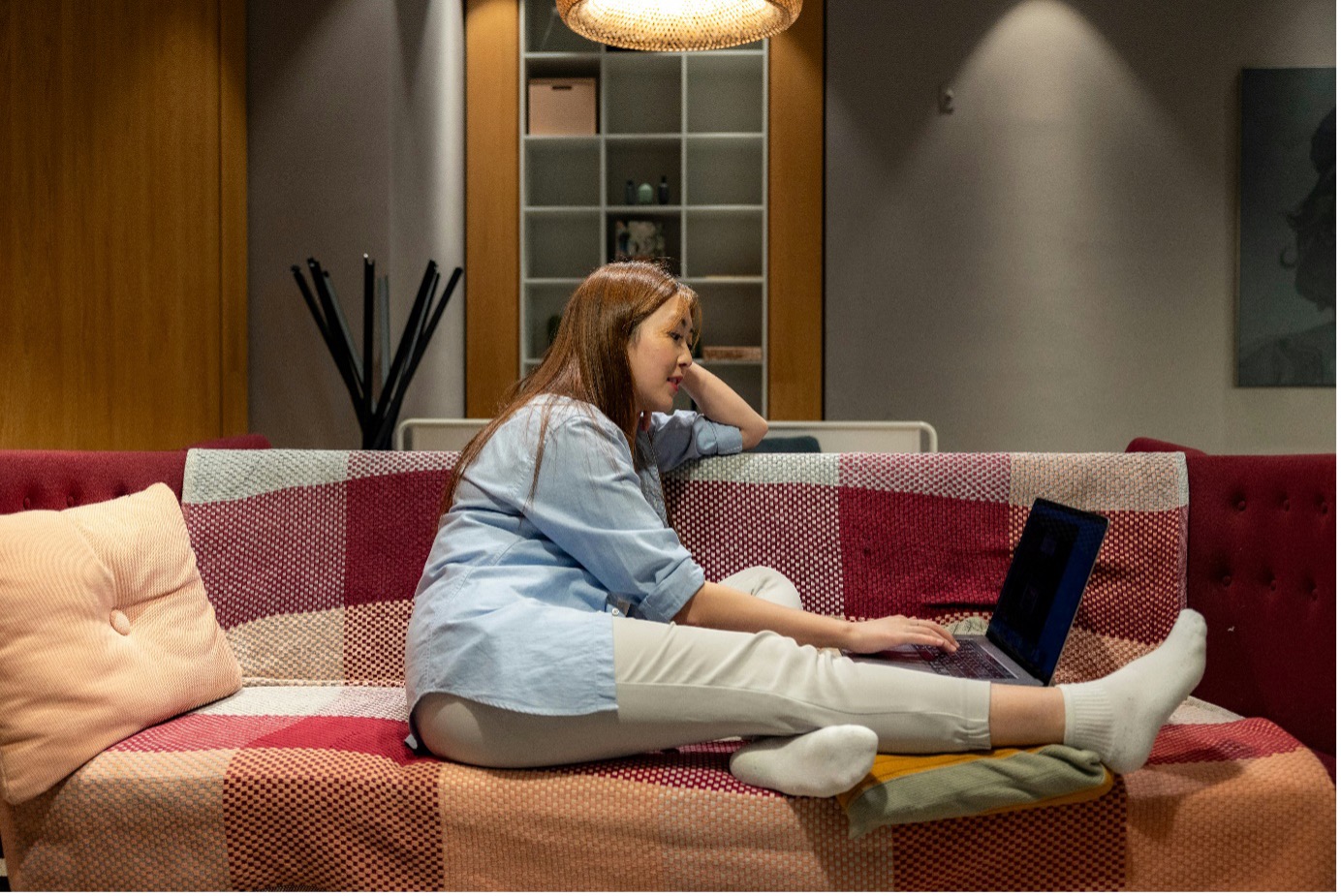
With Flexible Hybrid employees largely decide for themselves when to come into the office and when to work remotely.
Companies can still set guidelines – for example, a minimum of four office days per month or specific dates when attendance is required.
Pros:
- high flexibility and personal responsibility
- individual adaptation to tasks and personal needs
- great potential for more efficient office space utilization
Cons:
- office attendance is harder to predict
- spontaneous collaboration can be more difficult
- good digital coordination is required
This is exactly where workplace management and desk sharing software play an important role: employees can see who is in the office and when, book workstations, and better coordinate shared office days.
5. Team Rotation or Cohort Model
With team rotation different teams or groups of employees work in the office at different times.
For example, Team A is on-site on Mondays and Tuesdays, while Team B uses the office on Wednesdays and Thursdays.
Benefits:
- Office space can be used very efficiently
- Capacity utilization is highly predictable
- fewer workstations need to be provided at the same time
Drawbacks:
- Interaction between different teams can become more difficult
- high organizational effort
- limited spontaneous flexibility
This model is particularly suitable for larger companies with clearly defined teams or departments.
6. Activity-based Hybrid
With Activity-based Hybrid Working , the work location is not determined solely by a fixed weekly schedule, but by the task at hand.
Working from home can be ideal for tasks requiring concentration. Conversely, workshops, creative collaboration, or face-to-face meetings are intentionally held in the office.
The office thus becomes more of a hub for collaboration, exchange, and communication.
Benefits:
- Work location is based on the specific task
- high flexibility
- Office spaces can be specifically designed for different usage scenarios
Disadvantages:
- requires personal responsibility
- teams must coordinate their attendance
- suitable rooms and workstations must be available
Activity-based hybrid models work particularly well in combination with various types of workstations, meeting rooms, focus zones, and flexibly bookable desks.
7. Remote First
With remote-first models, the vast majority of work takes place outside the office. While the office is maintained, it is primarily used for meetings, workshops, team days, or voluntary attendance.
Remote-first therefore differs from fully remote companies, some of which no longer operate any office space at all.
Advantages:
- very high spatial flexibility
- large potential talent pool
- significant reduction in office space requirements possible
Disadvantages:
- in-person contact occurs less frequently
- corporate culture must be nurtured more actively in the digital space
- higher coordination effort for shared in-office days
For remote-first companies in particular, the few days spent in the office must function smoothly. Desk, room, and parking space bookings should therefore be centrally coordinated.
Which hybrid work model is the best?

There is no single optimal hybrid work model. The right solution depends on your way of working, company culture, team structure, and available office space.
Companies should specifically answer the following questions:
1. How much in-person collaboration do our teams need?
Teams that rely on frequent workshops or creative brainstorming often benefit from regular days in the office together.
2. How important is flexibility to our employees?
Flexible models offer more autonomy but require better digital coordination.
3. To what extent do we want to optimize our office space?
The more flexibly attendance is organized, the greater the potential for desk sharing and more efficient space utilization.
4. How predictable is our office occupancy?
Fixed models are easier to plan. Flexible models require transparent attendance and booking data.
As a result, many companies do not adopt a single pure model, but rather a hybrid of different work approaches.
Combining hybrid work with desk sharing
Hybrid work models and desk sharing complement each other perfectly. If employees work from home regularly, companies usually no longer need a dedicated desk for every person. Instead, workstations can be used flexibly by multiple employees. This allows existing office space to be utilized more effectively and potentially reduced in the long term. However, this requires good organization: employees need to know if and where a workstation is available, which colleagues are present, and which rooms or parking spaces can be booked.
Flexopus: Your partner for organizing hybrid work models

Many people find hybrid work to be a balancing act between flexibility and chaos. The belief that combining office and remote work inevitably leads to disorder is widespread. In reality, however, the hybrid approach offers practical solutions and tools to create an organized work environment.
One of these tools is called Flexopus. Flexopus is a desk sharing software that offers innovative solutions to simplify the organization of hybrid work models. Through its intuitive booking platform, employees can flexibly plan and book workstations, meeting rooms, and parking spaces in advance. Users can decide for themselves whether they prefer to use the progressive web app, the smartphone app, or the Microsoft Teams integration. In short: whether it's about coordinating team days, making flexible use of office space, or promoting collaboration – Flexopus helps companies make the most of the benefits of hybrid work models.
What hybrid working time models are there?
Hybrid work doesn't necessarily just concern the place of work. Working hours can also be organized in different ways.
Typical models include:
The choice of working time model is generally independent of how often employees work in the office or remotely.
Why office layout is crucial for hybrid work models
The best office design for hybrid work models creates a work environment that can flexibly adapt to different tasks, team sizes, and levels of office attendance. As employees are no longer in the office at the same time every day, the role of traditional office space is changing as well. Instead of permanently assigned desks, companies need a balanced mix of areas for focused work, collaboration, spontaneous exchanges, and hybrid meetings.
A well-planned office design therefore considers not only the number of available workstations, but also how they are actually used. Desk sharing, workplace booking, and flexible home zones help organize office space based on real demand. In addition, focus areas, meeting zones, quiet spaces, and open collaboration areas can ensure that employees find the right environment for each task.
For the best office design for hybrid work models, flexible office furniture also plays an important role. Spaces should be easy to adapt to changing team structures, new ways of working, or fluctuating office occupancy.
For suitable office furnishings, our partner Podia supports companies with flexible solutions for modern office furniture, workspace concepts, and hybrid work environments. By renting office furniture, companies can adapt their workplace flexibly, test different space concepts, and adjust their office environment more easily as requirements change.
Conclusion: Hybrid work models require flexibility and structure
Office First, 3:2 model, fixed office days, flexible hybrid, or remote first: companies can structure hybrid work in many different ways.
What matters is not which model looks most modern on paper, but which one actually fits your workflows.
The more flexibly employees can choose their place of work, the more important transparent attendance planning, desk sharing, and data-driven office space management become.
With the right organization, hybrid work doesn't become an organizational problem, but rather the foundation for a flexible and efficiently utilized working world.
The most important questions summarized
What is a hybrid work model?

A hybrid work model combines in-office attendance with remote work, such as working from home. Companies can either set fixed office days or give employees the flexibility to choose their own work location.
What hybrid work models are available?
The most common hybrid work models include office-first, the 3:2 model, fixed office days, flexible hybrid, team rotation, activity-based hybrid, and remote-first.
How does desk-sharing software help overcome the challenges of hybrid work models?
The biggest hurdle for hybrid models is predictability: who is where and when? Software like Flexopus acts as a central coordination tool, preventing empty desks on remote days and overcrowding on office days. Employees gain autonomy by booking workspaces that suit their specific tasks. For the company, the software provides data on actual space utilization, which helps reduce rental costs in the long term and allows the office to be redesigned according to actual needs. This turns an organizational challenge into a seamless, digitized workflow.
Last updated:
2026-10-30
.svg)


.webp)
