Flexopus News
2026-02-23
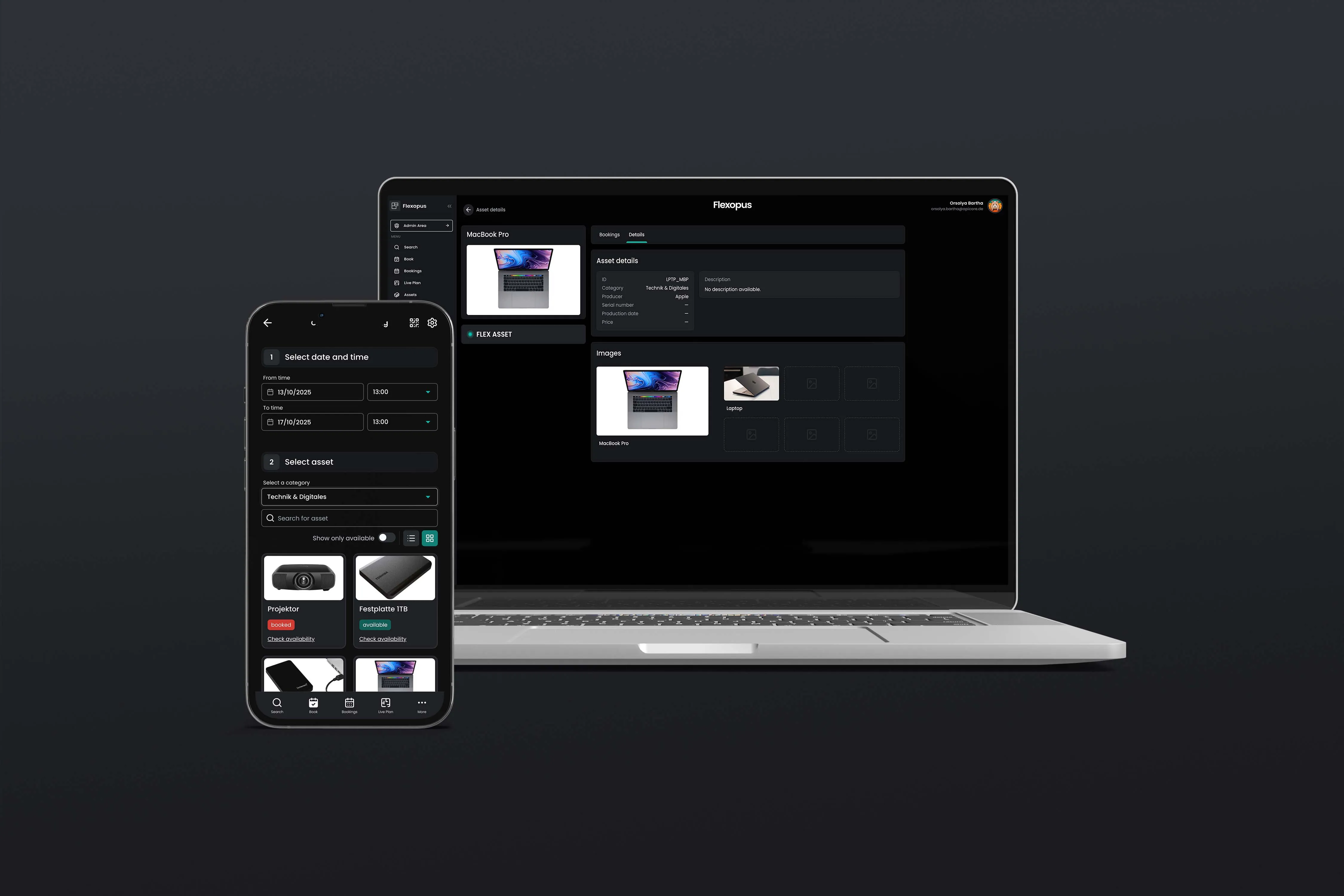
New: Flexopus Asset Management
When managing assets becomes a treasure hunt, something is going wrong: devices are hard to find, coordination is scattered across different channels, and responsibilities remain unclear. With Flexopus Asset Management, you can manage office and IT resources centrally, clearly, and transparently. Using QR codes, assets can be accessed, assigned, and booked directly—quickly and without unnecessary detours.

Table of contents
Excel-Listen, E-Mail-Pingpong und „Wer hat eigentlich den Monitor?“: Inventarverwaltung im Büro wirkt oft wie ein Nebenprojekt, das trotzdem täglich Zeit kostet. Genau hier setzt das Flexopus Asset Management an. Die Asset Management Software bringt Ordnung in IT-Hardware, Pool-Equipment, Firmenfahrzeuge, Meeting-Zubehör oder alles, was im Büroalltag bewegt, ausgeliehen, zugeordnet oder dokumentiert werden muss.
Asset Management oder Digital Asset Management – was ist der Unterschied?
Die Begriffe Asset Management und Digital Asset Management werden teilweise unterschiedlich verwendet. Klassisches Asset Management bezieht sich auf die Verwaltung von Unternehmensressourcen wie Geräten, Fahrzeugen, Werkzeugen oder Büroinventar. Digital Asset Management (DAM) bezeichnet hingegen häufig Systeme zur Verwaltung digitaler Inhalte wie Bilder, Videos und Dokumente. Flexopus konzentriert sich auf die digitale Verwaltung und Buchung physischer Unternehmensressourcen.
Vorteile von Asset Management Software
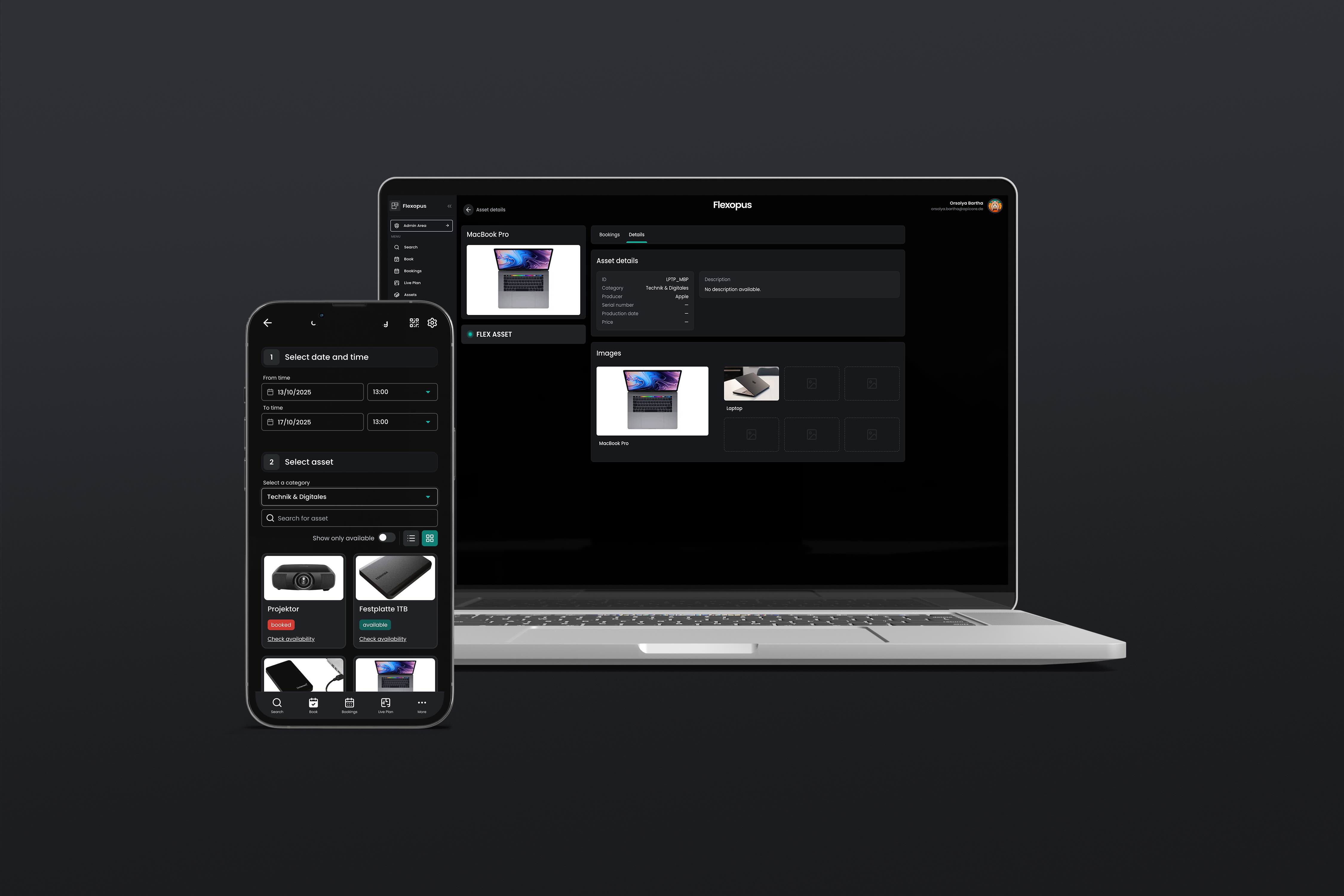
Selbst das beste Arbeitsplatzkonzept verliert an Wirkung, wenn Arbeitsmittel, Fahrzeuge oder Geräte nicht transparent verwaltet werden. Ohne eine strukturierte Inventarverwaltung entsteht schnell ein unsichtbares Chaos: Geräte verschwinden, Zuständigkeiten sind unklar, Bedarfe überschneiden sich - und wertvolle Arbeitszeit geht verloren.
- Centralized overview: All company assets are recorded in one place.
- Clear responsibilities: It is traceable who an asset is assigned to.
- Fewer double bookings: Bookable resources are made transparently available.
- More efficient use: Existing resources are better utilized.
- Less manual administration: Excel lists, emails, and individual coordination are reduced.
Gerade in hybriden Arbeitsmodellen, in denen Mitarbeitende zwischen Büro, Homeoffice und Außenterminen wechseln, ist ein Assetmanagement unverzichtbar. Es sorgt dafür, dass alle Ressourcen optimal genutzt werden - egal, von wo aus gearbeitet wird.
Darüber hinaus hilft es Unternehmen, Compliance-Vorgaben einzuhalten und den Überblick über Lebenszyklen, Wartungen und Verantwortlichkeiten zu behalten. Das reduziert nicht nur den administrativen Aufwand, sondern auch das Risiko von Verlusten und Fehlbuchungen.
Excel-Liste vs. Asset Management Software
Ordnen Sie Assets bestimmten Ressourcen (Tischen, Räumen) und Mitarbeitenden zu
Im Büroalltag geht es darum, Assets dort verfügbar zu machen, wo sie gebraucht werden: am Arbeitsplatz, im Meetingraum oder an einem bestimmten Standort. Die große Frage “Wo ist das Grafiktablet?” hat sich in diesem Moment dann eindeutig geklärt.
Das Flexopus Asset Management verbindet diesen Gedanken mit dem Buchungsworkflow: Bei der Buchung kann direkt in den Asset-Details eingesehen werden, wo das Asset verstaut ist.
Zusätzlich unterstützt Flexopus auch die feste Zuordnung von Assets zu Personen: Sie können Gegenstände dauerhaft an Mitarbeitende binden, um Unternehmensinventar nachvollziehbar zu tracken (z. B. persönlicher Laptop, Firmenhandy, Mitarbeiterfahrzeug). Damit wird Asset Management zur digitalen Inventarverwaltung, die nicht nur ausleihen, sondern auch Verantwortlichkeiten abbilden kann.
Welche Assets können Unternehmen verwalten?
Einige Asset-Beispiele, die von Flexopus buchbar gemacht werden können:
Versteckte Assets und sichtbare Assets: Der Unterschied in der Nutzung
Nicht jedes Asset soll für alle buchbar sein. Manche Gegenstände sind bewusst nur intern verwaltet, als Teil des Inventars, andere sollen aktiv im Team genutzt werden und buchbar sein. Genau dafür gibt es in Flexopus mehrere Stellschrauben:
Sichtbare, buchbare Assets
Ein Asset mit Status “Flexibel“ ist für Nutzer sichtbar und kann gebucht werden. Das ist ideal für Pool-Equipment wie Beamer, Testgeräte oder HDMI-Kabel. Wenn Sie zum Thema “Assets buchbar machen” mehr erfahren möchten, finden Sie hier den passenden Blogbeitrag.
Versteckte oder eingeschränkte Assets
Für Assets, die nicht frei buchbar sein sollen, gibt es zwei relevante Status:
- Geblockt: Das Asset ist für niemanden verfügbar, z. B. wegen Defekt, Prüfung oder Verlust.
- Eingeschränkt: Das Asset kann nur von Admins im Namen anderer Nutzer gebucht werden. Dieser Status ist explizit auch für Inventar Management oder Assets gedacht, die eine offizielle Freigabe benötigen. Buchungen solcher Assets werden ausschließlich im Admin-Kontext verwaltet.
Dazu kommt die Möglichkeit, ein Asset zu veröffentlichen oder nicht zu veröffentlichen. Damit entscheiden Sie, ob ein Asset im Nutzerbereich überhaupt auftaucht.
Das Ergebnis: Sie steuern pro Asset, ob es ein aktiver Teil des Arbeitsalltags ist (sichtbar und buchbar) oder eher als reiner Inventardatensatz geführt wird (eingeschränkt, nicht buchbar bzw. nicht veröffentlicht). Genau diese Trennung ist für viele Unternehmen entscheidend, weil sie Anlagenbuchhaltung und operative Nutzung sauber voneinander abgrenzt, ohne zwei getrennte Systeme pflegen zu müssen.
Welche Import- und Exportmöglichkeiten gibt es beim Flexopus Asset Management?
Für Anlagenbuchhaltung und Inventur ist ein sauberer Import der Daten und ein vollumfänglicher Export entscheidend. Genau dafür gibt es im Flexopus Asset Management eine Import/Export-Funktion: Sie können eine Liste Ihrer Assets exportieren, um einen Überblick zu erhalten oder um Daten in anderen Systemen weiterzuverwenden.
Bei der ersten Anlage können die Assets bequem per Import hochgeladen werden, um die Übersicht auf Flexopus zu schaffen. Flexopus bietet vollumfängliche Asset Analysen an, damit sie den besten Überblick zu Ihrem Inventar haben.
Sie können dann die QR-Codes optional anbringen und alles einmal per QR-Code Zuweisung klar inventarisieren.
Für die Weiternutzung der Daten in einer Drittsoftware für die Anlagenbuchhaltung lohnt es sich dann alle relevanten Daten sauber als SVG zu exportieren.
Damit entsteht eine saubere Brücke zwischen operativem Asset Management in Flexopus und nachgelagerten Prozessen, die Ihre Anlagenbuchhaltung oder Ihr Anlagenbuchhaltungstool abdecken. Sie halten Daten zentral aktuell, statt sie mehrfach zu pflegen.
So profitieren Unternehmen mit dem Flexopus Asset Management:
- Zentrale Übersicht: Alle Assets - vom Poolfahrzeug bis zum Monitor - sind digital erfasst und jederzeit abrufbar.
- Einfache Zuweisung & Rückgabe: Mitarbeitende buchen, empfangen oder geben Geräte mit wenigen Klicks über das Dashboard oder per QR-Code zurück.
- Automatisierte Prozesse: Rückgaben werden automatisch dokumentiert.
- Hohe Sicherheit: Rollen- und Rechtemanagement sorgt dafür, dass nur berechtigte Personen Zugriff auf sensible Assets haben.
- Nahtlose Integration: Das Modul ergänzt perfekt bestehende Flexopus-Lösungen wie die Desk Sharing Software, das Visitor Management oder die Besprechungsraum Display-App.
Gerade in Zeiten hybrider Arbeit ist es entscheidend, Ressourcen effizient zu nutzen und transparent zu verwalten. Die Flexopus Asset Management Software schafft dafür die ideale Grundlage - flexibel, sicher und vollständig DSGVO-konform auf europäischen Servern gehostet.
Asset Management in der Praxis: 3 Beispiele
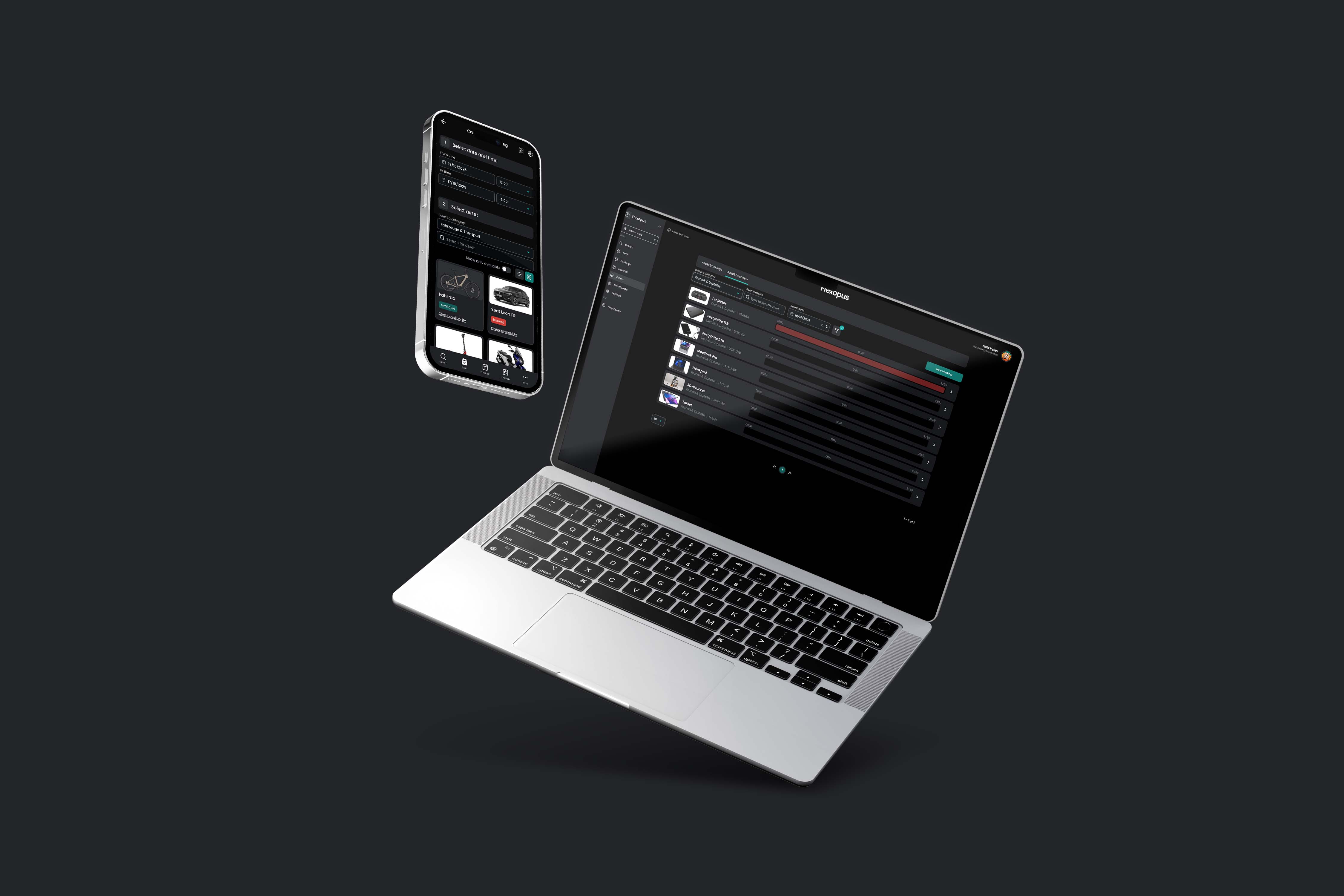
1. Poolfahrzeuge digital verwalten und buchen
Lisa arbeitet im Vertrieb und hat für den nächsten Tag einen Kundentermin außerhalb der Stadt. Dafür möchte sie eines der Firmenfahrzeuge nutzen - ein klassischer Fall für das Asset Management.
Früher hätte Lisa dafür mehrere E-Mails geschrieben, telefoniert oder in eine Excel-Liste geschaut, um zu prüfen, welches Fahrzeug frei ist. Heute öffnet sie einfach das digitale Buchungstool:
- She can see at a glance which pool vehicles are available.
- With one click, she can reserve the desired car for the required period.
- The system can document details such as the driver, time, mileage, and reservation duration.
After use, Lisa can mark the vehicle as "returned" with just a few clicks. The company benefits in two ways:
- Transparency: Everyone can see in real time which vehicle is in use.
- Efficiency: No double bookings, no coordination errors.
- Traceability: All bookings and usage are documented in an audit-proof manner.
2. Assigning IT equipment to new employees
A new colleague joins the company—let's call him Tom.
To ensure he can get started right away on his first day, a lot of equipment needs to be prepared: laptop, monitor, headset, access card, and perhaps even a company mobile phone.
Using the appropriate software, the office team can see exactly which devices are available and who they are currently assigned to. With just a few clicks, the required assets are reserved for Tom and assigned to him permanently. In the background, the system automatically documents:
- Who received which device and when
- Serial numbers and the condition of the handed-over assets
- Maintenance cycles or replacement dates
This way, not only does the IT department have an overview of the device inventory, but HR and facility management also know at all times which equipment is in circulation.
When Tom eventually leaves the company, his entire inventory can simply be removed from his profile and reassigned—without chaos, losses, or time-consuming coordination.
3. Managing lockers digitally
Employees need secure storage options for personal items, technical devices, or documents—especially when fixed workstations no longer exist.
With an asset management system, lockers can also be managed centrally and used efficiently.
A practical example: Sarah works in the office on alternating days and needs a locker on those days to safely store her laptop and personal belongings. Using the digital booking system, she can reserve an available locker with just a few clicks. The system automatically assigns her an available unit—optionally even with a digital lock or QR code access.
The facility team can see in the live plan in real time:
- which lockers are currently occupied or free,
- who is assigned to which locker,
- and when reservations end or need to be extended.
Temporary assignments—such as for interns, external guests, or project teams—can also be managed easily and transparently in this way.
The most important questions summarized
How do QR codes help to find and manage assets in the office faster?

Every asset can be linked to a QR code sticker. By scanning it, users and admins open the correct object immediately in Flexopus—without manual searching or lists. The QR code is unique, can only be assigned to one asset, and makes booking, assignment, and documentation possible right at the item itself. This reduces media discontinuities and ensures that inventory management is actually used in everyday life.
Can I permanently assign assets to specific locations (desk/room) or people?
Yes. Flexopus allows you to assign assets to resources such as desks, rooms, or locations, making it clear where a device is located or where it belongs. Additionally, assets can be permanently assigned to employees (e.g., laptops, company phones, vehicles) to ensure accountability. If needed, asset details also show the storage location, including a live map on the floor plan.
How does a digital system help reduce losses and planning errors regarding company equipment?
Digital inventory management shows where equipment is located and who it has been assigned to. This helps reduce losses and planning errors.
Last updated:
2026-10-07
.svg)

.webp)
.webp)
.webp)