Two-factor authentication (2FA) in desk sharing: Security in the flexible workplace

In the modern working world, hybrid models and desk sharing are becoming increasingly popular. But with increased flexibility come increased security risks. Two-factor authentication (2FA) reliably protects company data, even if passwords are compromised. This article shows why 2FA is essential for desk sharing, what benefits it offers, and how you can successfully implement it in your company.
Contents
Modern Work 4.0 brings with it a lot of new challenges. What many companies neglect is IT security – but in today’s age, it is more important than ever, especially when you are dealing with sensitive data and finances.
Especially with hybrid work models, increased security is indispensable. When your employees switch between home office and the office, they access company data from different locations. This flexibility significantly increases the security risk.
This is where two-factor authentication comes into play: It reliably protects sensitive data, even if passwords are compromised. In this article, you will learn everything you need to know about 2FA.
What is two-factor authentication (2FA)?
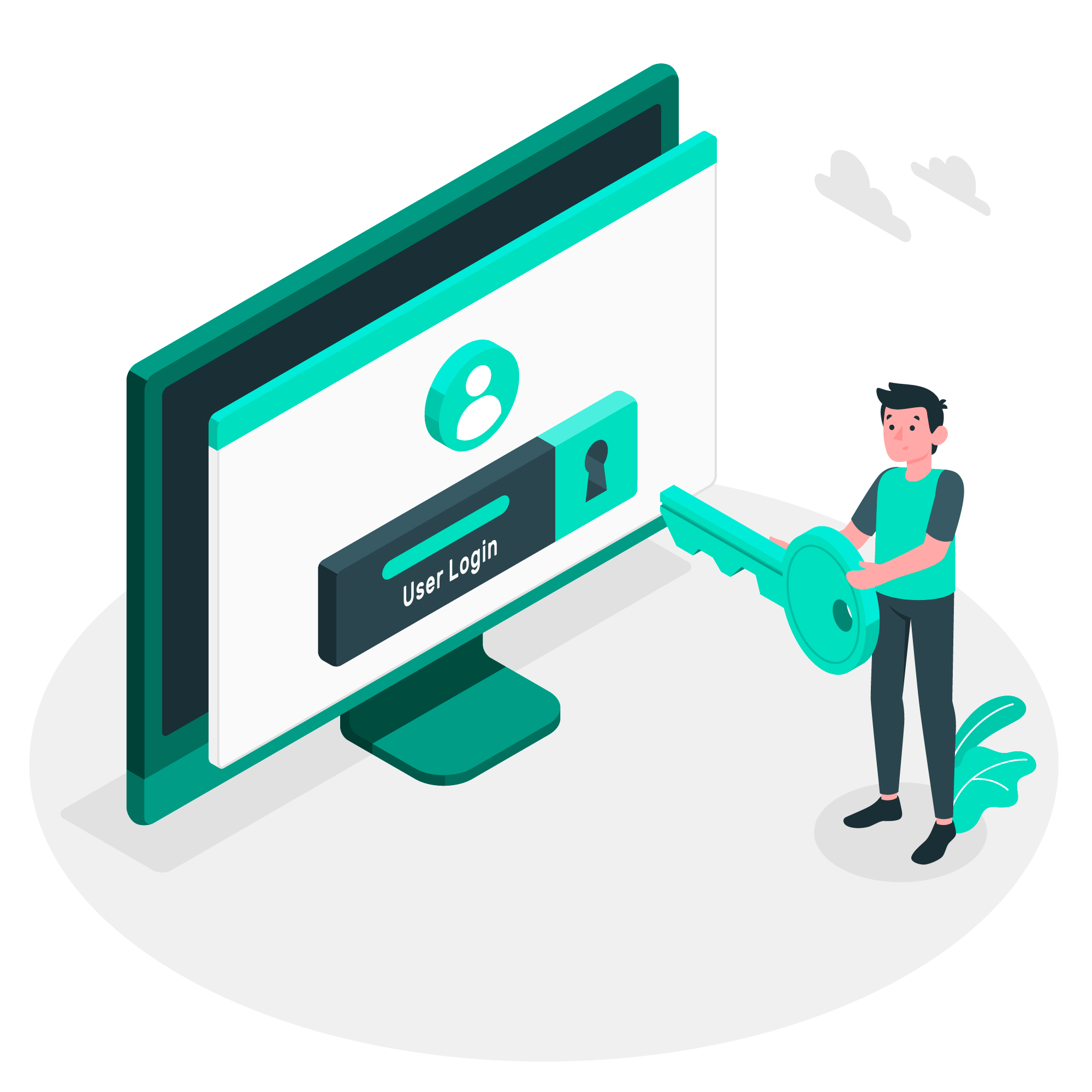
Two-factor authentication is a security method that combines two different authentication steps.
For traditional login, a password is sufficient. The problem: If the password is stolen, unauthorized persons have immediate full access to all data, which your employees can also view. In an open space office or with desk sharing, where different employees use the same devices, this risk is exponentially increased.
Two-factor authentication solves this problem by adding a second, independent security factor. Even if cybercriminals get the password, they can't do any damage without the second factor. In combination with effective Leadership 4.0 , 2FA is increasingly becoming the standard.
How does two-factor authentication (2FA) work?
The operating principle of two-factor authentication is based on three categories, two of which are combined:
- password
- Smartphone, PC or other physical devices
- Biometric characteristics
The registration process is as follows: First, enter your username and password. The system then requests a second proof – for example, a code that is sent to the smartphone. Only if both factors are correct will your employees receive access.
Benefits of two-factor authentication for desk sharing
In flexible work environments, two-factor authentication demonstrates its strengths particularly clearly and creates a trustworthy foundation for modern work concepts.
The benefits extend across all business areas and influence both the operational efficiency and the strategic direction of your company:
- Increased data security: Even if passwords are compromised, company data remains protected because the second authentication factor provides an additional barrier.
- Cost reduction: Fewer security incidents mean lower costs for damage repair, IT support and downtime.
- Compliance: Many industry standards and data protection regulations now require 2FA. This also allows you to minimize legal risks.
- Trust: The certainty that personal and professional data is secure reduces stress and increases the trust of employees, business partners and customers alike.
- Flexibility without compromise: Activity Based Working, Home Office and Flexoffices can only be implemented securely with 2FA, as the protection is tied to the person and not dependent on the workplace.
- Increased productivity: When your employees can fully concentrate on their work without having to worry about data security, this promotes productivity.
2FA: What methods are there?
There are many examples of two-factor authentication, as the importance of IT security has increased significantly in recent years. The variety of available options allows your company to choose the solution that best suits your needs:
Authenticator apps
Authenticator apps such as Google Authenticator, Microsoft Authenticator or FreeOTP are the most popular method. They generate new, six-digit codes locally on the smartphone every 30 seconds. The big advantage: The codes do not require an internet connection and are ideal for workation or home office abroad.
SMS-based codes
This method sends one-time codes via SMS to the registered mobile phone. Although this strategy is particularly simple, it is now considered less secure because SMS messages can be intercepted.
Biometric procedures
Fingerprint or facial recognition ensure maximum user-friendliness while maintaining security. This method is particularly useful in hybrid work models as it requires no additional equipment and works very quickly.
Why should you use 2FA in desk sharing?
Implementing two-factor authentication in desk sharing environments is a strategic investment in the future of your company – because when employees and managers have confidence in IT security, nothing stands in the way of your company's success. Nevertheless, successful change management is essential to introduce the new processes.
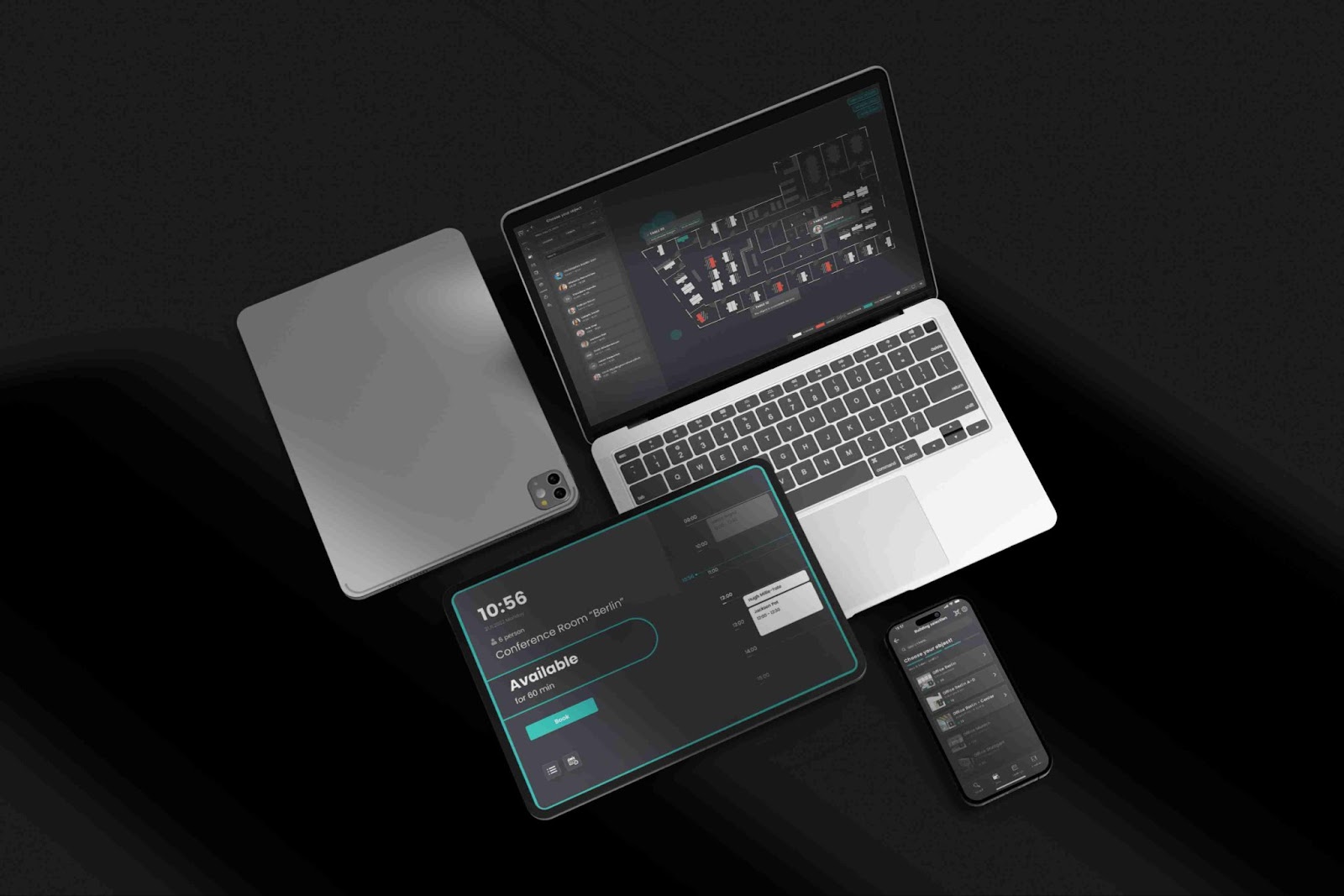
But two-factor authentication applies not only to your company itself, but also to your partners and software. Choose a desk sharing platform like Flexopus that enables intuitive desk booking while seamlessly integrating 2FA. Setup is simple: In combination with an authentication app, the Flexopus server and your device exchange a token by scanning a QR code or entering a code manually.
When your teams subsequently log in to Flexopus, they will be asked to enter a one-time password as a second step after entering their username and password. This six-digit password is generated by the app and changes regularly.
The dematerialization of the workplace thus becomes not a security risk, but an opportunity – the advantages and flexibility of modern workplace concepts can only be sustainably exploited if your security infrastructure can keep up.
Conclusion
Two-factor authentication has evolved from an optional security measure to an essential component of modern businesses. Especially in desk-sharing environments, where different employees use the same devices every day, 2FA provides the necessary security layer.
Companies that rely on flexible working models can not only build additional security with 2FA, but also strengthen the trust of their employees and customers – an investment that pays off in the long term.
Last updated:
2026-01-20
questions and answers
